This article is no longer updated.
Please go to our new Intercom knowledge base to ensure you're seeing the most recent version.
The link above takes you directly to the equivalent article on Intercom.
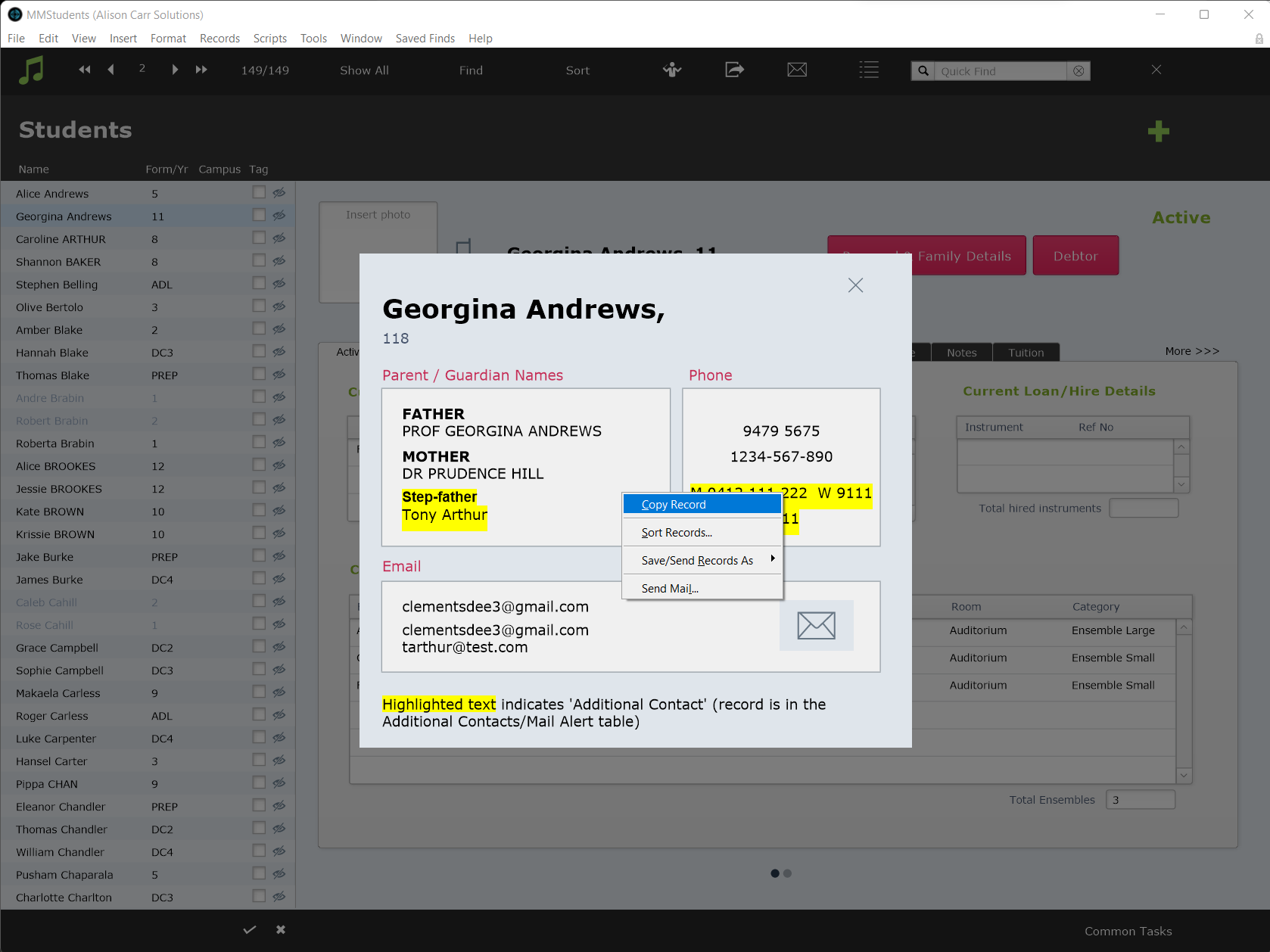
Data for a single record shown on screen in Music Monitor can be quickly copied by right clicking and selecting Copy Record. The data can then be pasted into another application, such as an email client or text editor. This can be especially helpful for copying contact details.