This article is no longer updated.
Please go to our new Intercom knowledge base to ensure you're seeing the most recent version.
The link above takes you directly to the equivalent article on Intercom.
Music Monitor is a database solution that runs inside FileMaker. Learning to use Music Monitor involves learning the basic functions of FileMaker, as well as the layouts, structure and scripts inside Music Monitor itself.
If you're completely new to Music Monitor, you may want to first read the article Start Here.
Navigation Bar
At the top of most layouts is the Navigation Bar. This contains standard navigation and search options as well as some contextual buttons.

At the left end of the Navigation Bar are forward and back buttons which will change the selected record. Next to that is the number of records in the 'found set' and the number of records in total. (displayed as x/x).
The Navigation Bar also has buttons to Show All records, switch to Find mode, and to Sort records.
Common Icons
Music Monitor commonly uses the following icons:
Icon | Description |
|---|---|
Return to the Home Menu. | |
Display help. | |
Display settings options. | |
Close active window. Music Monitor will stay open. | |
Switch to Form View. | |
Switch to List View. | |
Export date to Excel Spreadsheet. | |
Email based on displayed records. Options are displayed when selected. | |
Add a new record. | |
Delete this record. | |
Go to related students. | |
Go to related staff. |
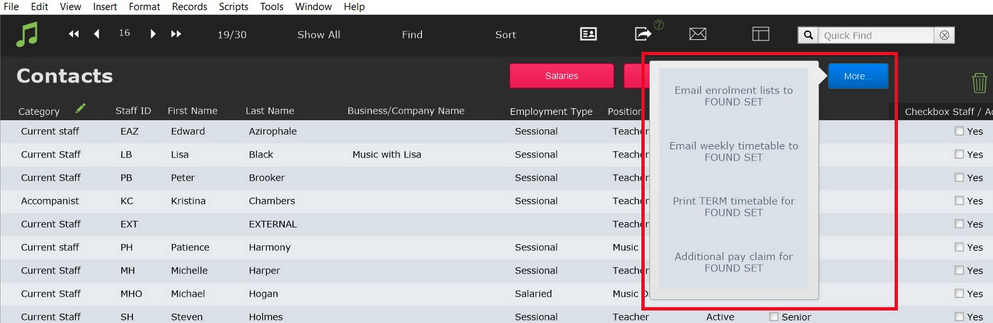
More Button
The More... button displays script options.