

This article is no longer updated.
Please go to our new Intercom knowledge base to ensure you're seeing the most recent version.
The link above takes you directly to the equivalent article on Intercom.
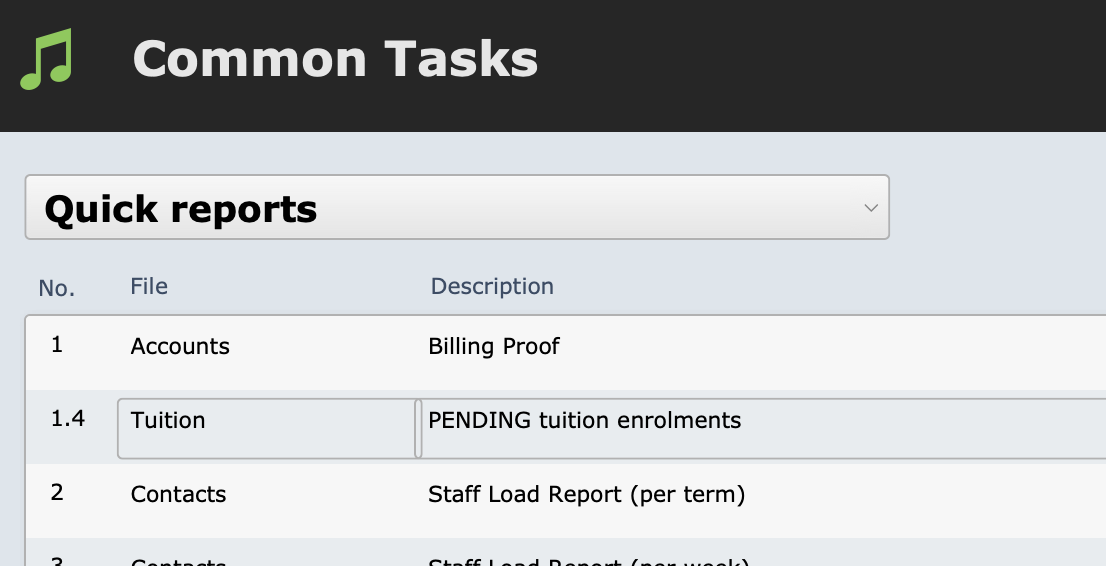
This script is found at Common Tasks > Quick Reports > PENDING tuition enrolments.
First, it will take you to the Tuition List screen and pause for you to confirm or modify the find request. The search that is pre-built is to find all tuition enrolments with Pending or Enquiry status, so if you wish to proceed with that default search, just select Perform Find. If you wish to modify the find request (for example, if you need to specify a Campus), add this data to the request.
The records will be found and displayed like so.
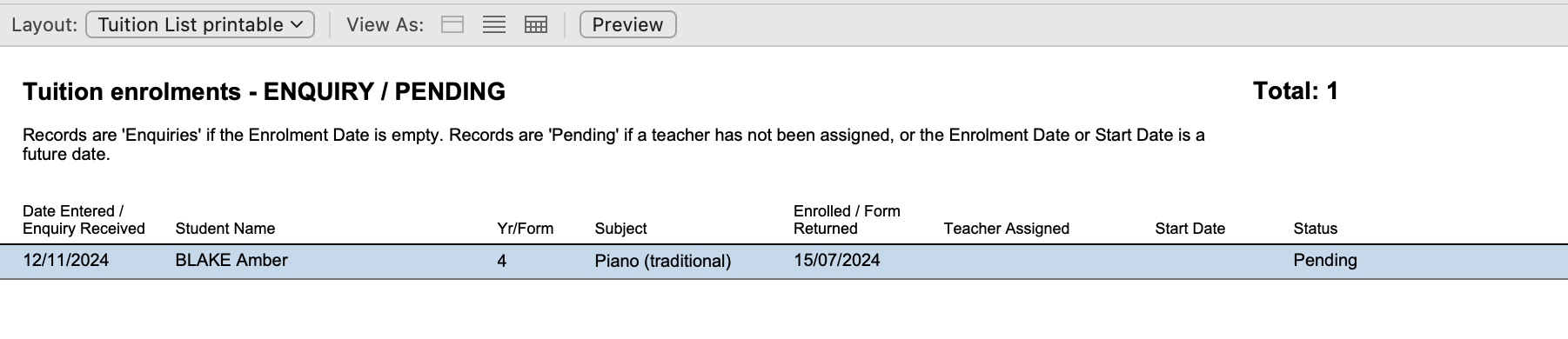
To print or save this list, select Preview, and then select the Save as Excel icon, the Save as PDF icon or the Print icon.

After printing or saving, simply close the window to return to Common Tasks or other parts of Music Monitor.