

This article is no longer updated.
Please go to our new Intercom knowledge base to ensure you're seeing the most recent version.
The link above takes you directly to the equivalent article on Intercom.
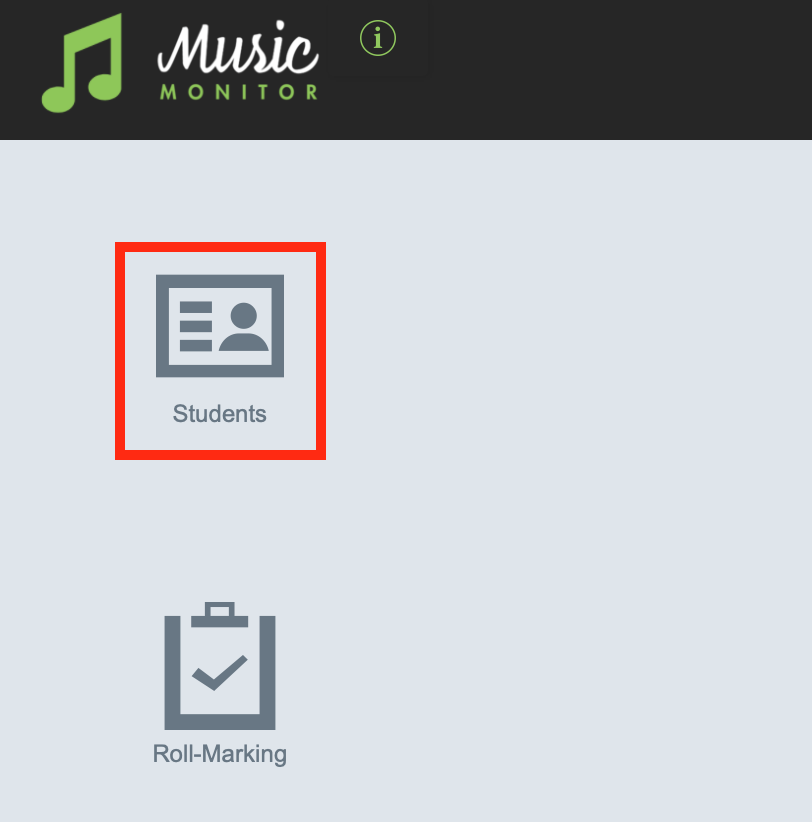
On your home screen, select Students.
From the list of your students, select an individual student to see their contact details.
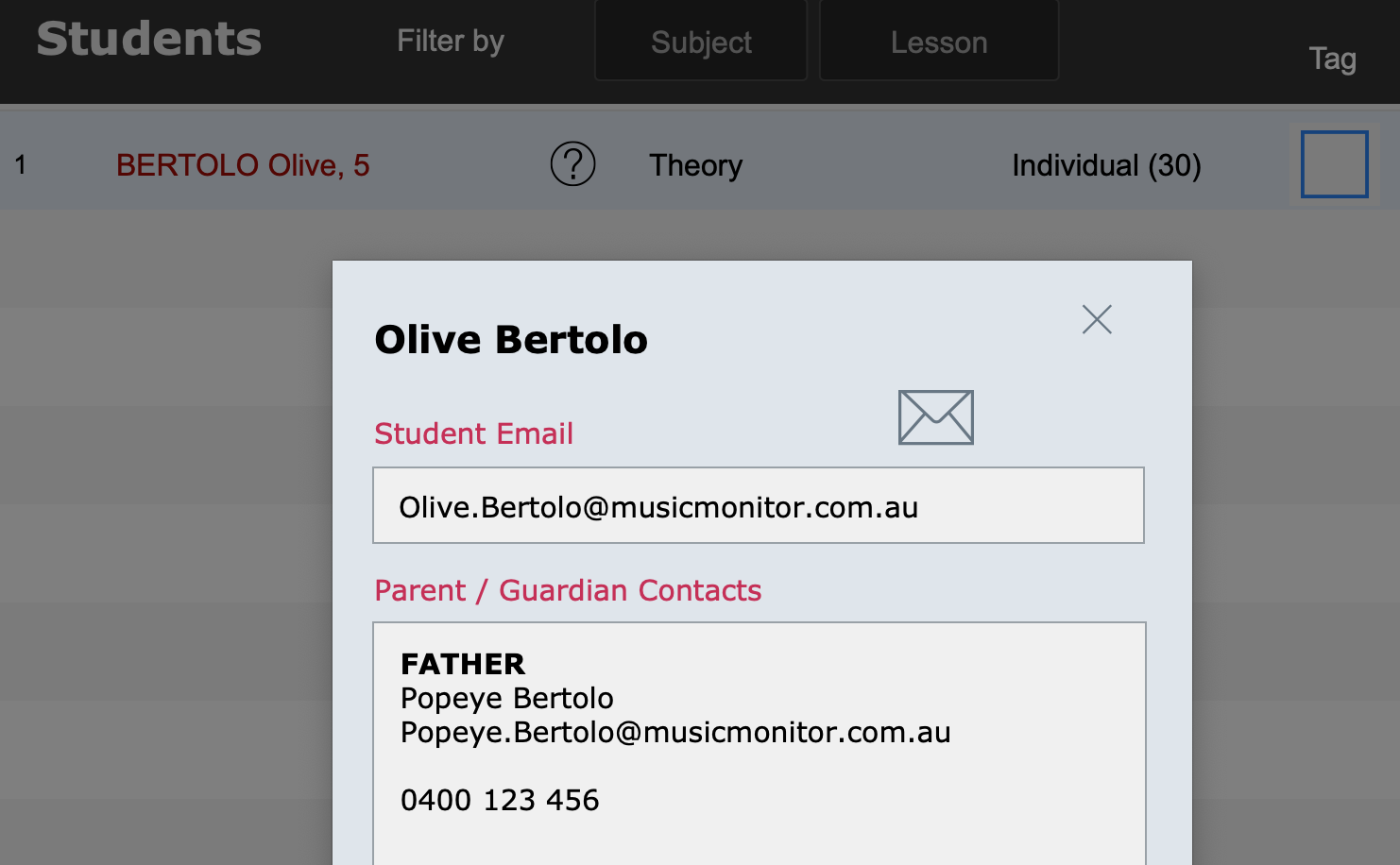
Select the Mail icon to email the student on the address shown.
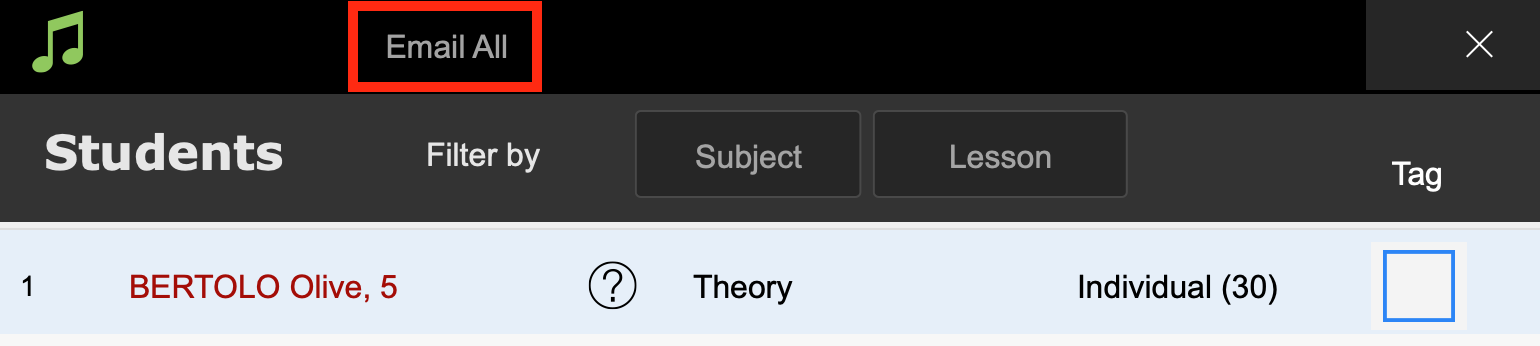
Back in the Students list, select the Email All button to email all your students.
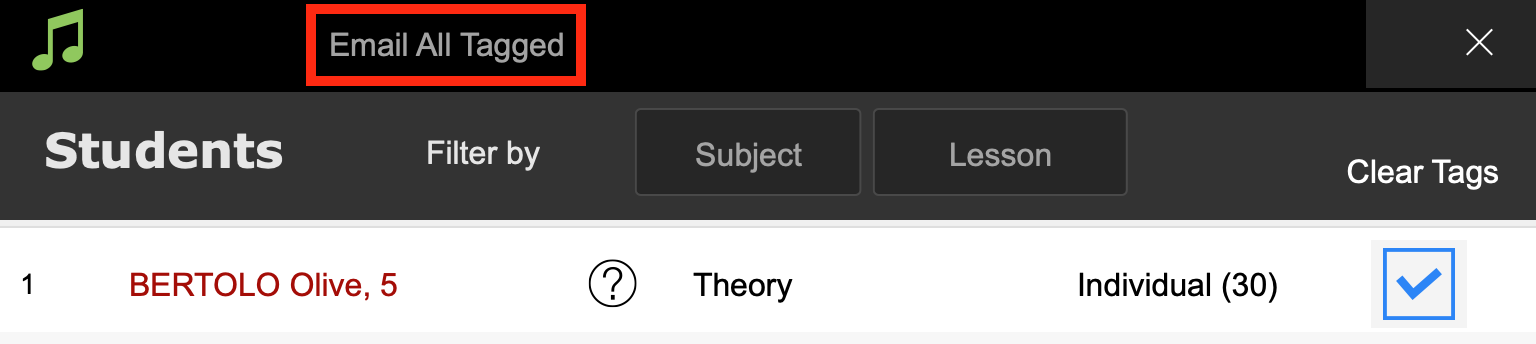
Alternatively, tag selected students and select the Email All Tagged button to email those students.
See the video below.