

This article is no longer updated.
Please go to our new Intercom knowledge base to ensure you're seeing the most recent version.
The link above takes you directly to the equivalent article on Intercom.
When you create the rolls each week, information is brought in from the term and week information in the calendar setup. See the article on how to Set Term and Week Names.
If the term or week name on a roll is incorrect, you can change it. Open the roll and select Edit (the pencil icon) next to the Term and Week.
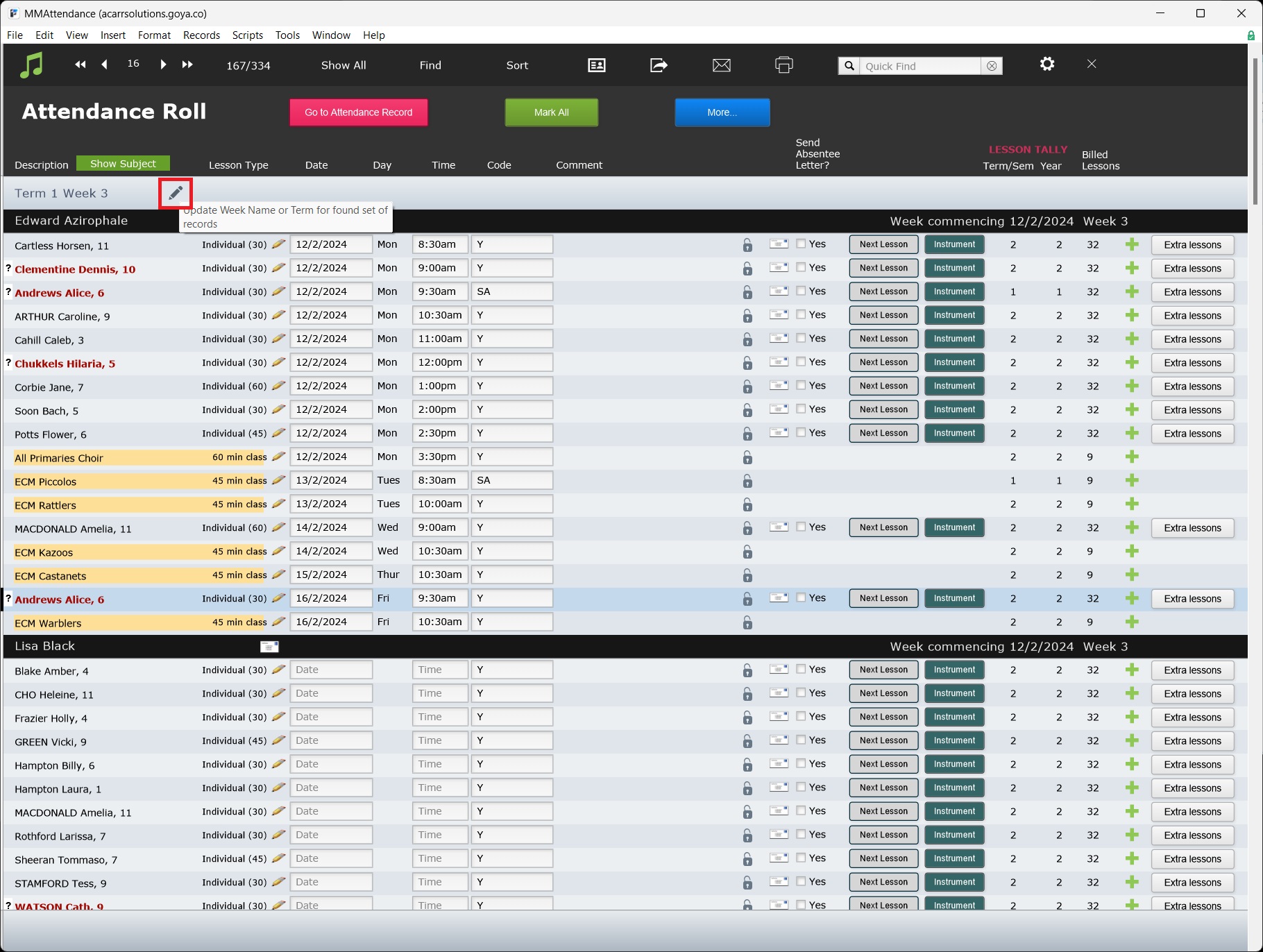
NOTE: If you have incorrect information here, you may need to correct the Term and Week information on your calendar too. See Set Term and Week Names for guidance.