

This article is no longer updated.
Please go to our new Intercom knowledge base to ensure you're seeing the most recent version.
The link above takes you directly to the equivalent article on Intercom.
This function generates individual emails to each of a set of students, sending each student a list drawn from the Calendar Entries that relate to that student.
Go to Students.
Perform a Find to bring up your selected student or set of students that you wish to send schedules to.
Select any student from the list to open their record.
Go to the Calendar tab.
Go to the More... menu.
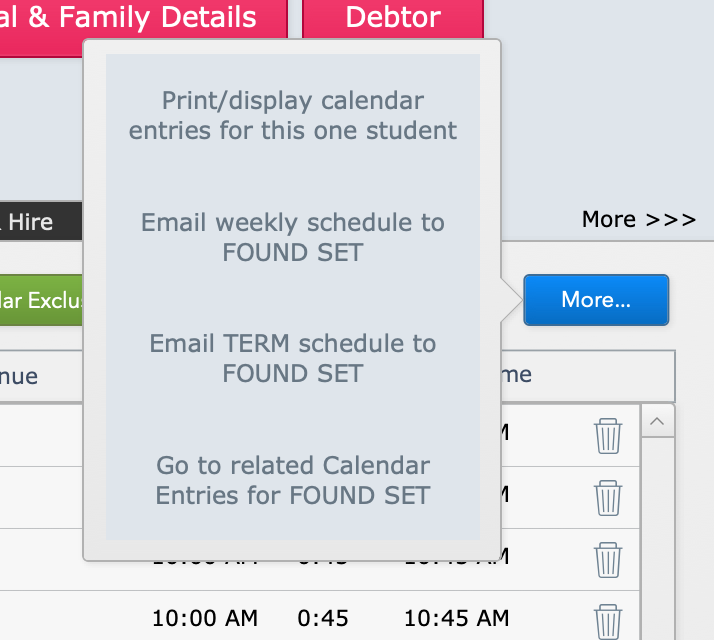
Select to:
Email weekly schedule to FOUND SET or
Email TERM schedule to FOUND SET.
A prompt will remind you that this will generate an email for EVERY record in the found set. So if the list of students you have up right now is not the ones you want to email, cancel and refine your list.
Next you will come to a screen to generate the content of the email.
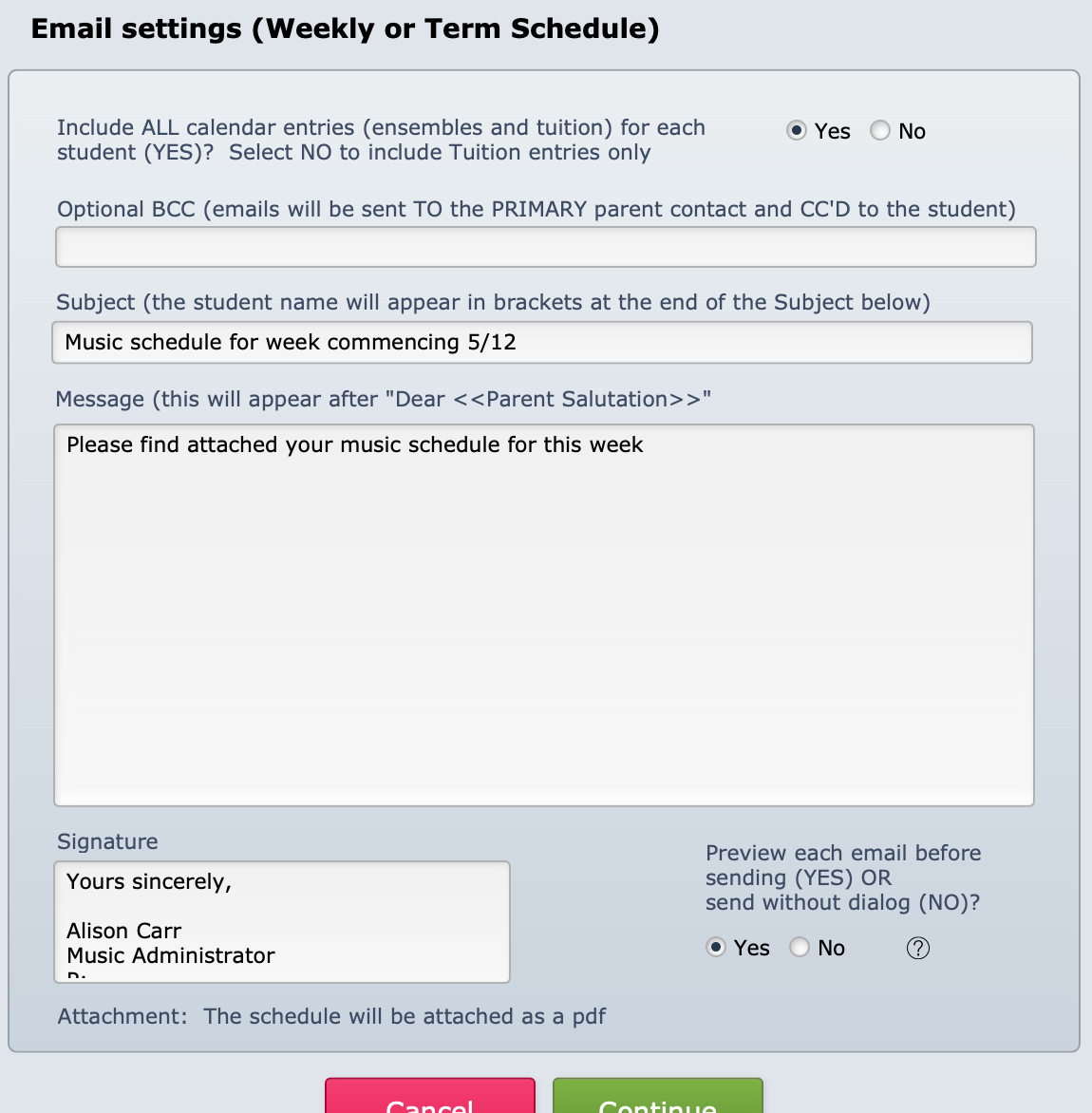
It will pre-fill with the content that was last used in this script. Edit or update as needed and select Continue.