This article is no longer updated.
Please go to our new Intercom knowledge base to ensure you're seeing the most recent version.
The link above takes you directly to the equivalent article on Intercom.
Instrument records in your Resources file have a tab for Repairs.
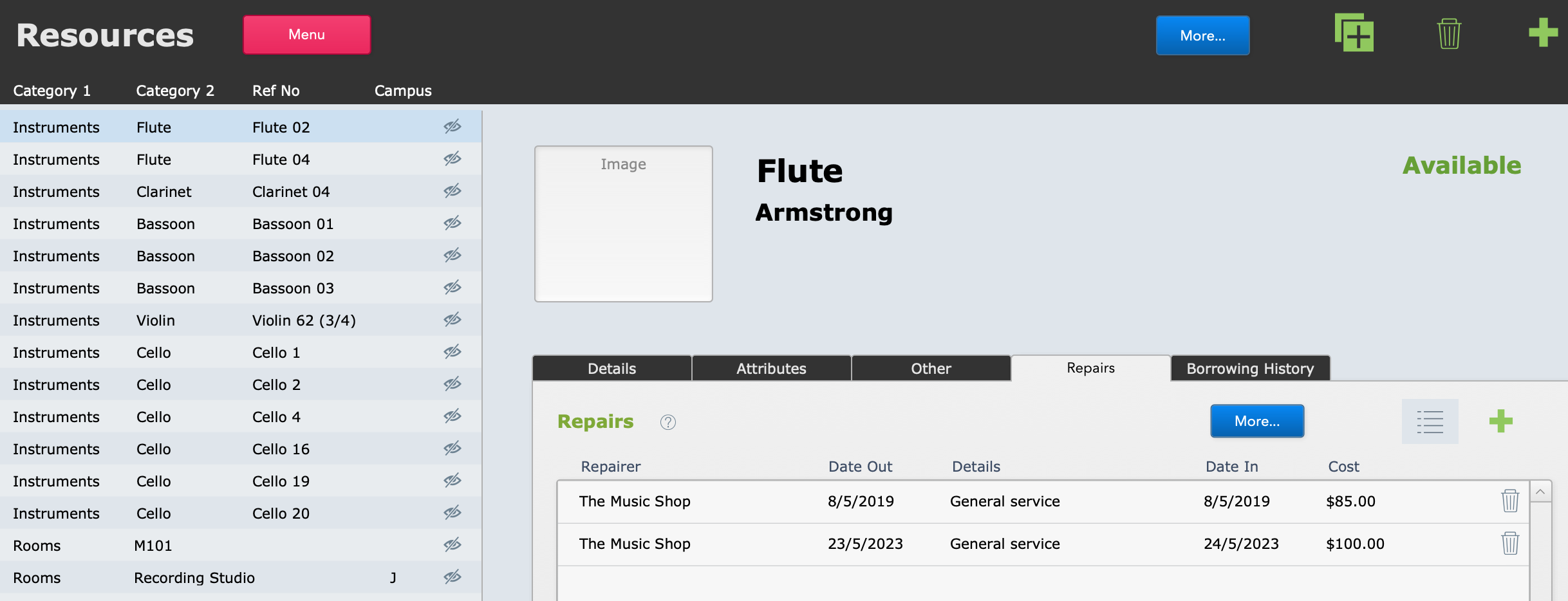
Here you can record when an instrument is taken out of circulation for repair, and when it comes back in and is available again. Instruments that have a Date Out in this table but not a Date In will display a Status of "In Repair" and will not be available for loan or hire.
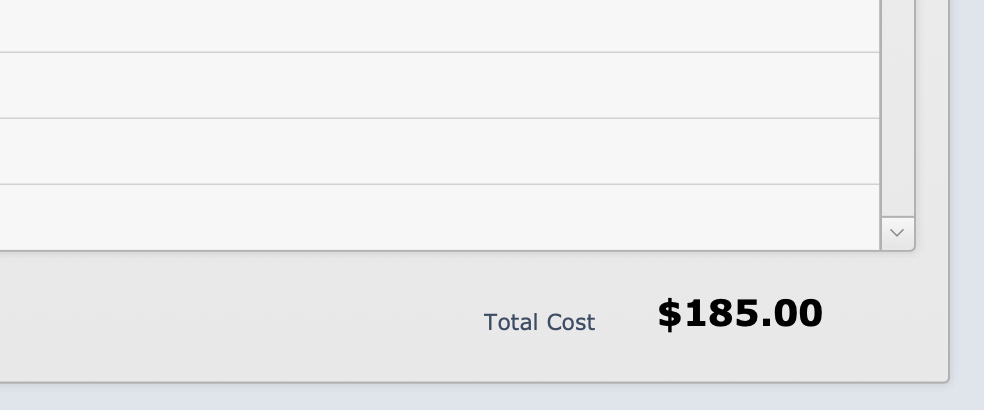
You can also record the Cost of repairs here if you wish. The total cost of repairs on this instrument is displayed at the bottom of the record.
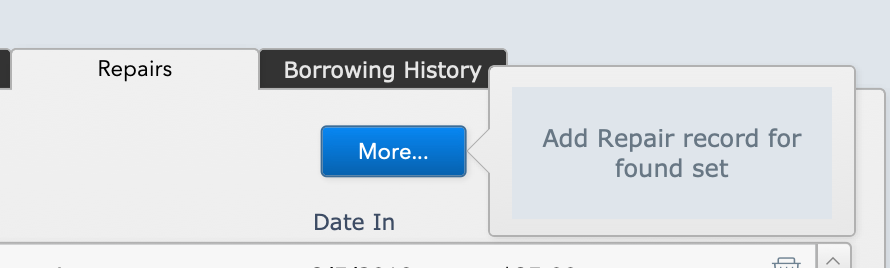
*New in 2025!* You can now create a Repairs record for a found set of instruments, for example if you send large numbers of instruments for servicing at one point in the year.
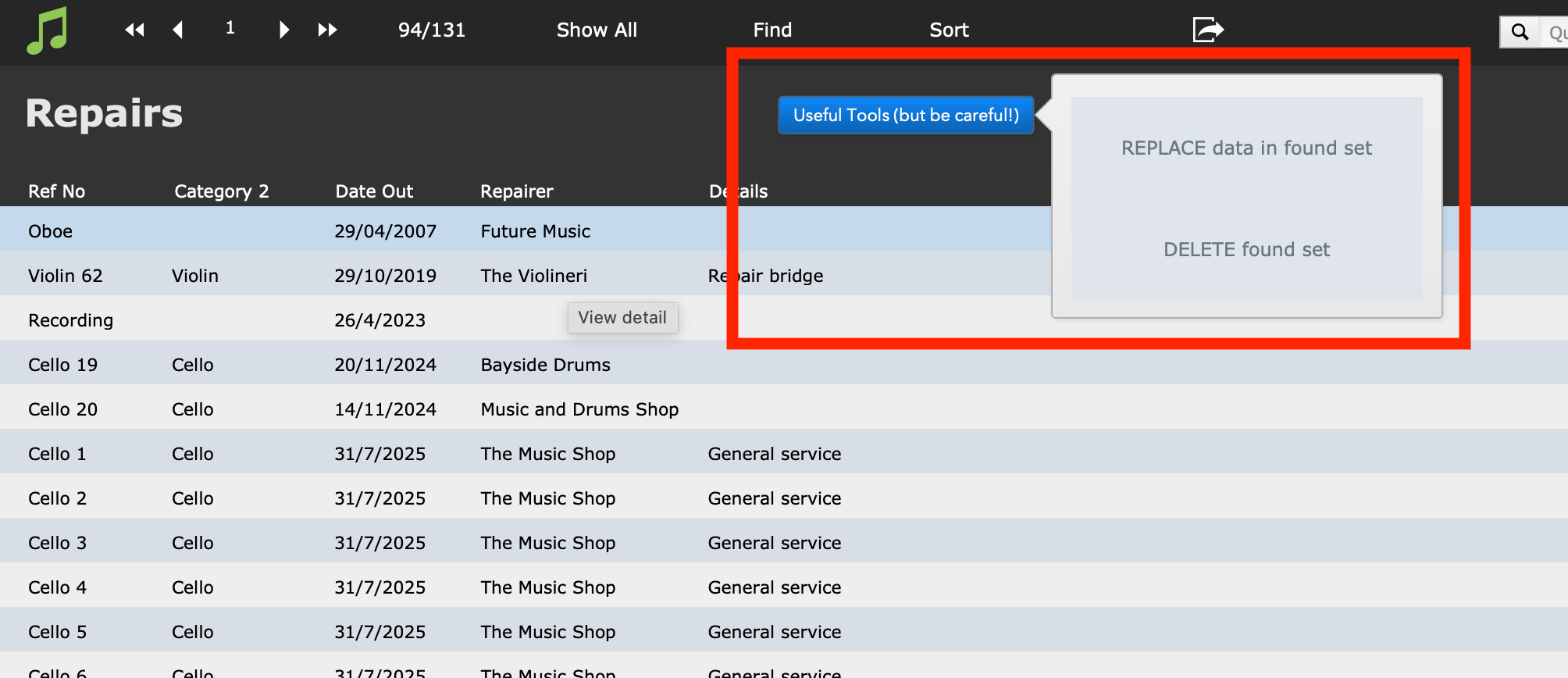
And you can go to the Repairs table for one or a found set of instruments.
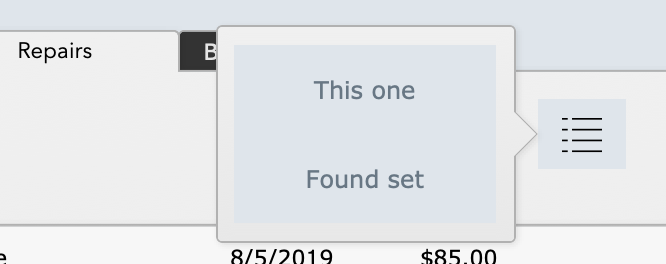
In that Repairs table, you can also update these repairs records in bulk, for example if a large number of instruments come back to you on the same date you can enter a Date In for all of them, similarly with the Cost or the Notes fields.