

This article is no longer updated.
Please go to our new Intercom knowledge base to ensure you're seeing the most recent version.
The link above takes you directly to the equivalent article on Intercom.
Agreement Template
Music Monitor has a number of pre-set templates for these agreements, and you choose which one your organisation uses in the General Settings.
As at August 2024 (V9.194) there are 8 customised Rental Agreement templates in the system. These templates can be viewed from Home > Settings wheel (top right corner) > General Settings > Loans & Hire.
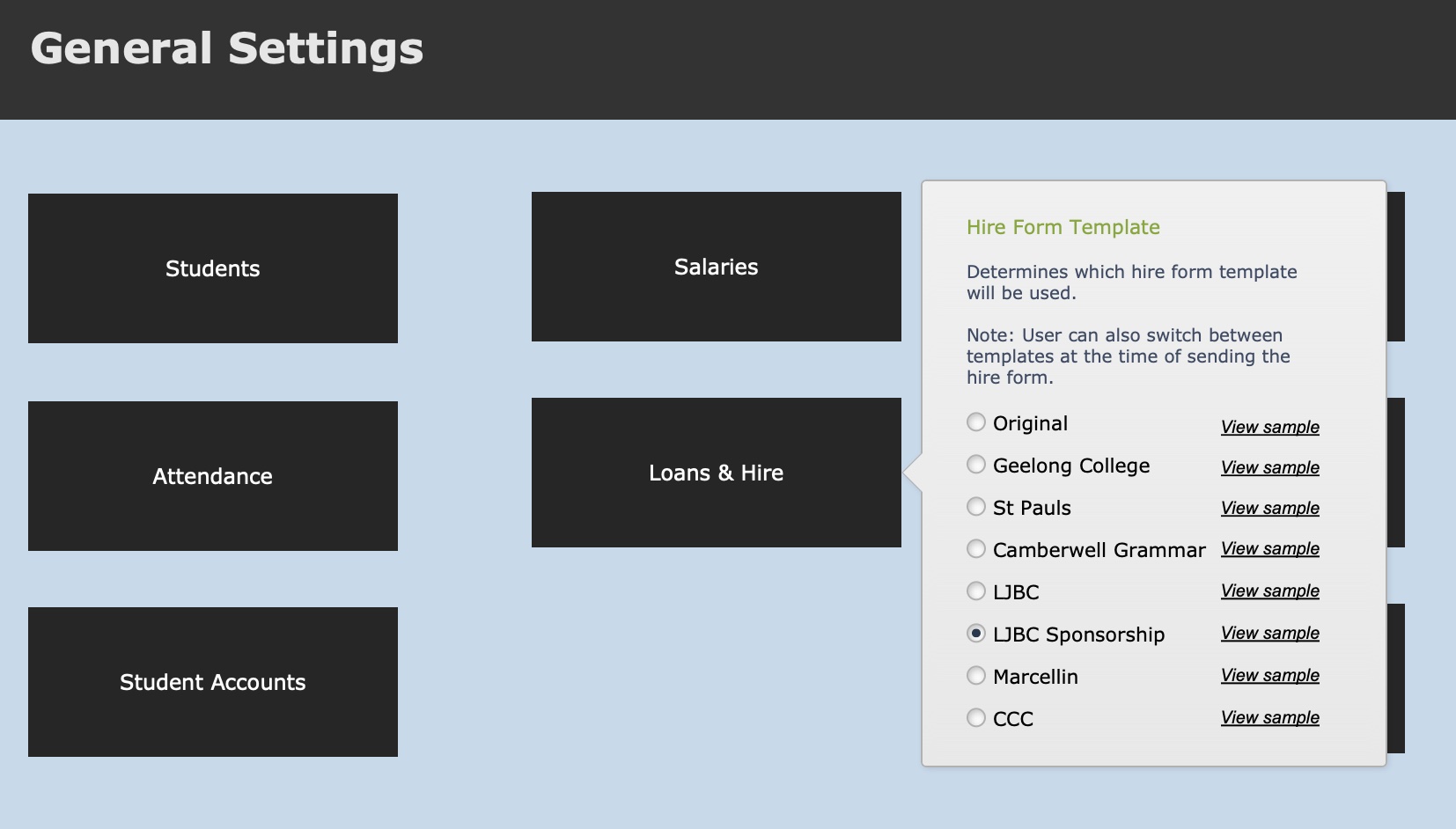
Note: If none of these templates are suitable for you, and you would like the Agreement customised for your school, just ask!
Send a Rental Agreement to ONE Student
When a new hire is entered in the Loans & Hire tab in the Students file, a blue Hire Form button becomes visible on the end of the record’s row.
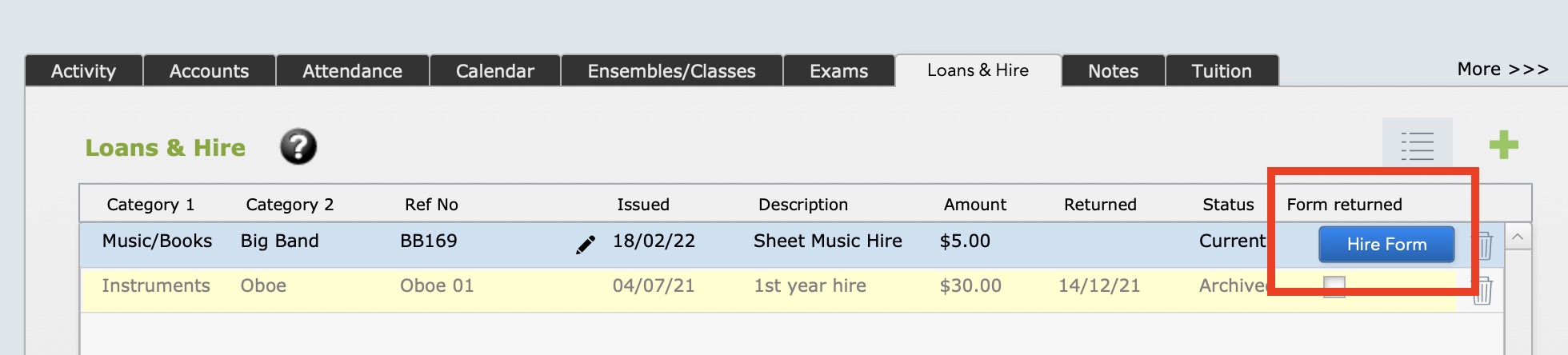
Select to print or email the Hire Form / Rental Agreement for the record.
You can also produce the Rental Agreement from this screen.
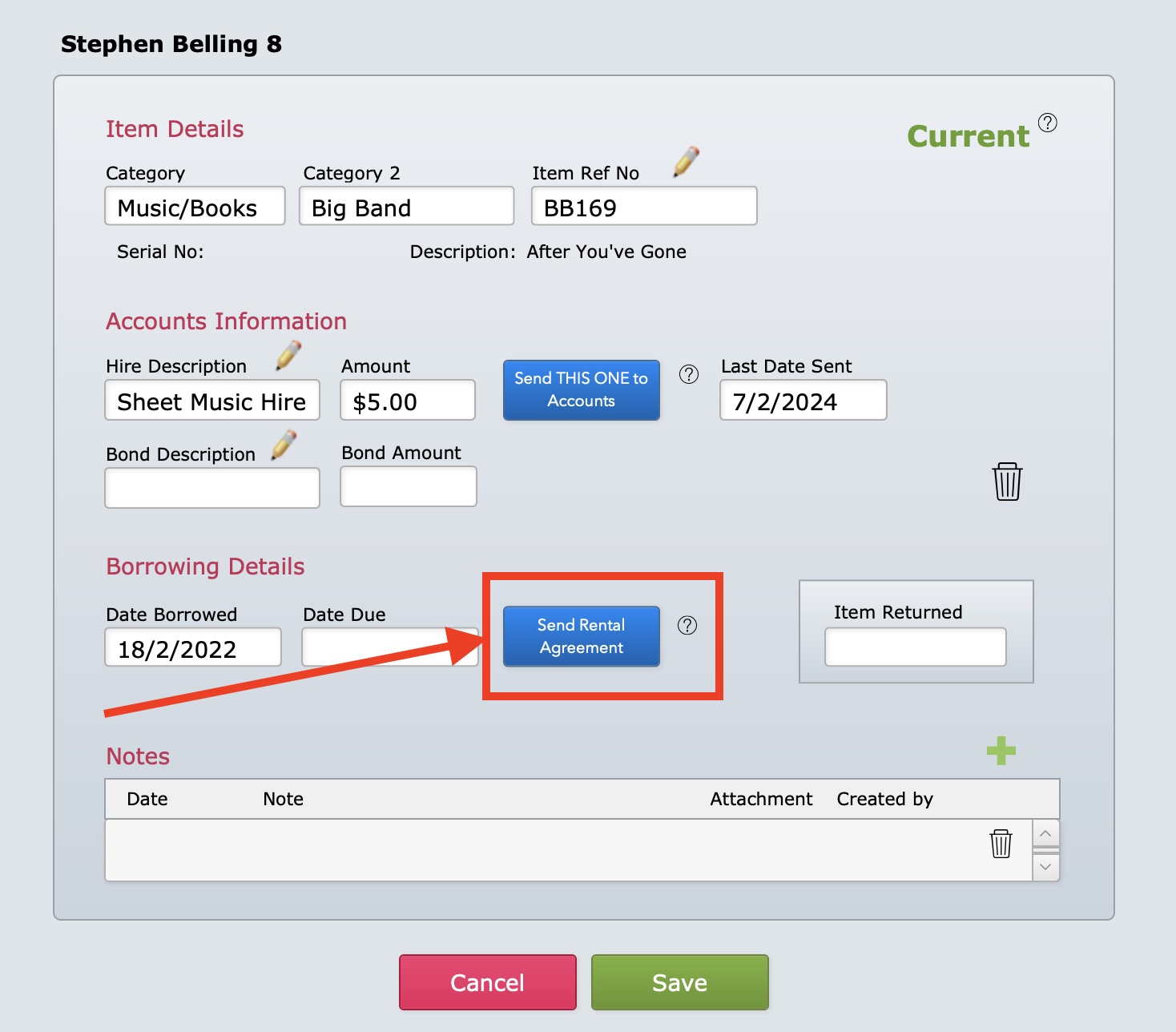
The Rental Agreement will display in a new window.
To change the template, select the settings button and choose a different template.
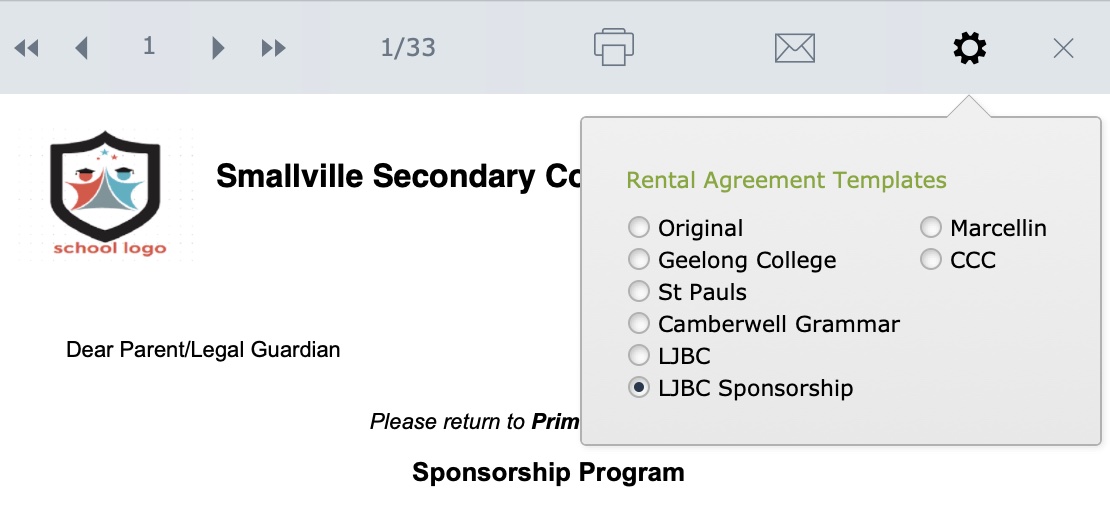
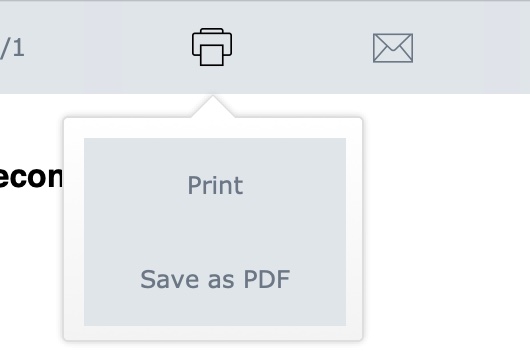
To print, save as a pdf, or email with the form attached as a pdf, select the Printer or Envelope buttons at the top of the window.
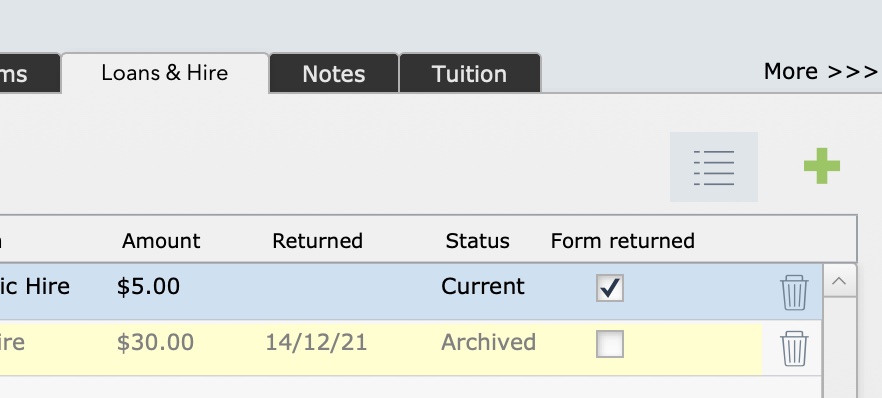
The Hire Form button becomes hidden when a hire form is printed or emailed. Instead you will see an Agreement Sent field and the current date will be inserted.
A Form Returned checkbox also becomes visible on the Loans & Hire tab in Students. This can be ticked when agreement has been confirmed.
Send a Rental Agreement to a GROUP of Students
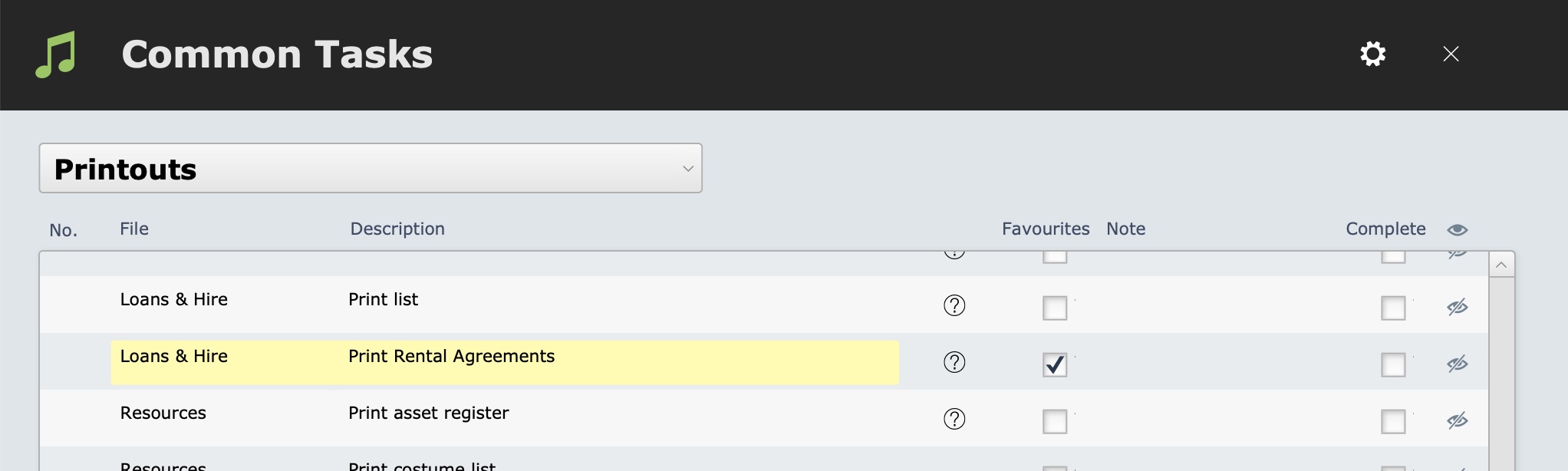
Rental agreements can be sent to a found set of students from Common Tasks > Printouts > Loans Hire : Print Rental Agreements.
Or from Home > Student Activity > Loans & Hire.
FIND the group of students you wish to send rental agreements. Select the More button and Rental Agreements.
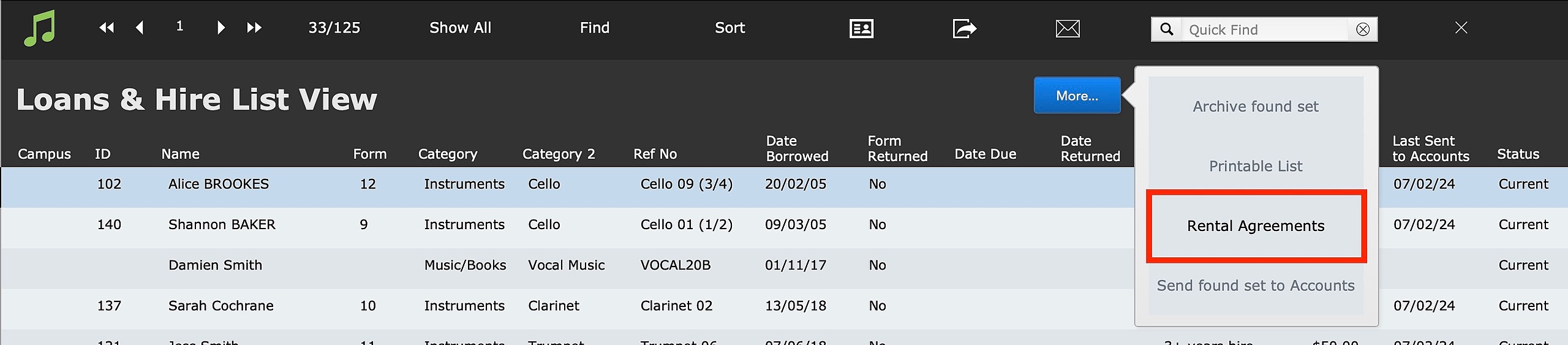
The rental agreements will open in a preview window. Scroll through the records by selecting the back and forward arrows. Select the printer or envelope buttons to print, save as pdf, or send as emails.
