

This article is no longer updated.
Please go to our new Intercom knowledge base to ensure you're seeing the most recent version.
The link above takes you directly to the equivalent article on Intercom.
Music Monitor has a module where you can set up student assessment reports and your teaching staff can complete the reports about the students' progress.
To use this module, go through the following steps.
Create Report Templates
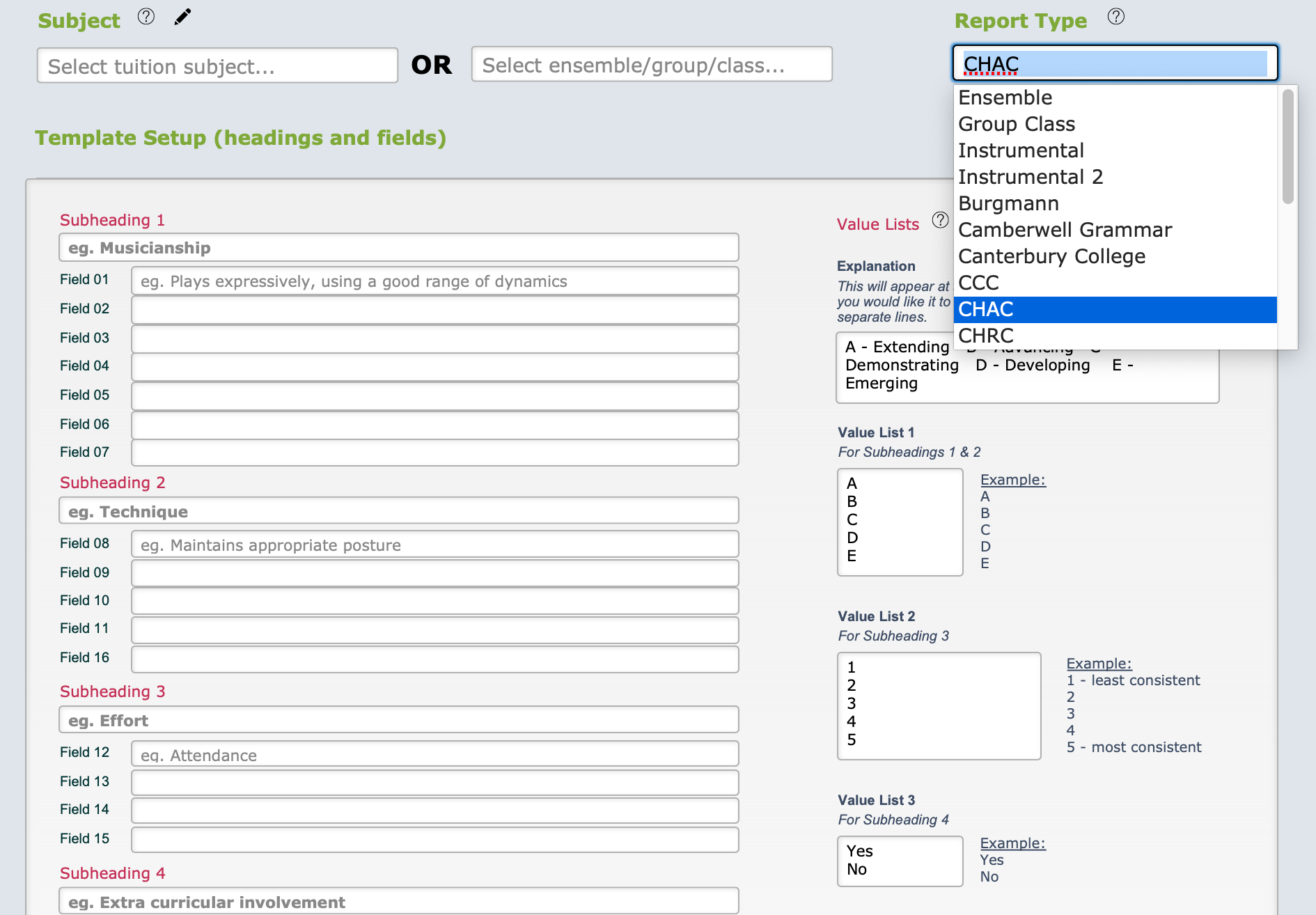
Music Monitor has some pre-installed report templates that you can use as a basis for yours. Edit the content in the fields as needed and save.
You must create a template for each subject that you wish to report on, and for each ensemble that you wish to report on - but it's easy to duplicate one template to use for each one if they are to be the same (which is usual).
See the detailed instructions at Set Up Assessment Report Sessions.

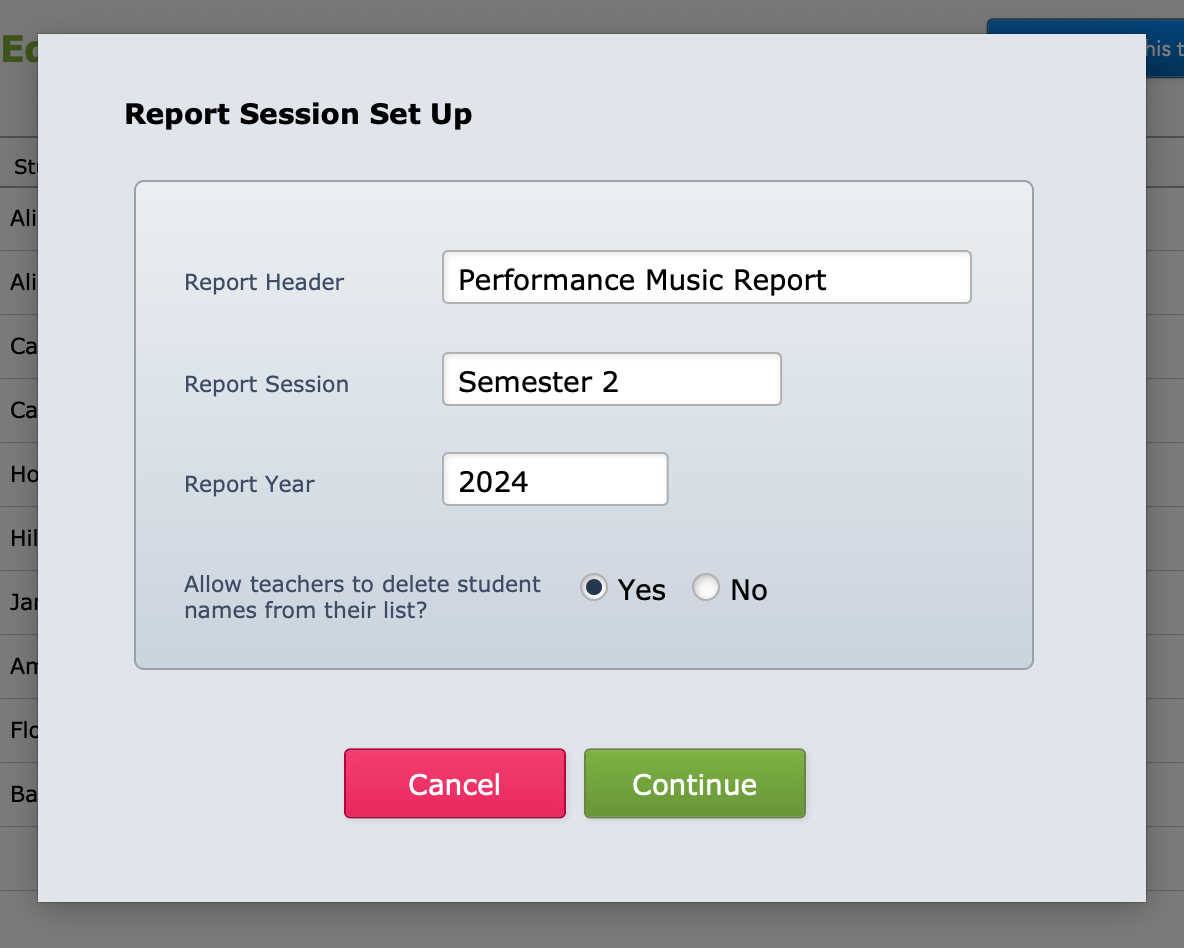
Generate a Report Session
At the end of a term or semester, when you want reports to be completed, you generate a set of blank reports from your templates. This is a quick, scripted process that takes all your current tuition enrolments and creates a report for the teacher to complete. It also offers to bring in your ensemble enrolments, which you can accept or decline.
See the detailed instructions at Generate New Report Session.

Teachers Complete the Reports
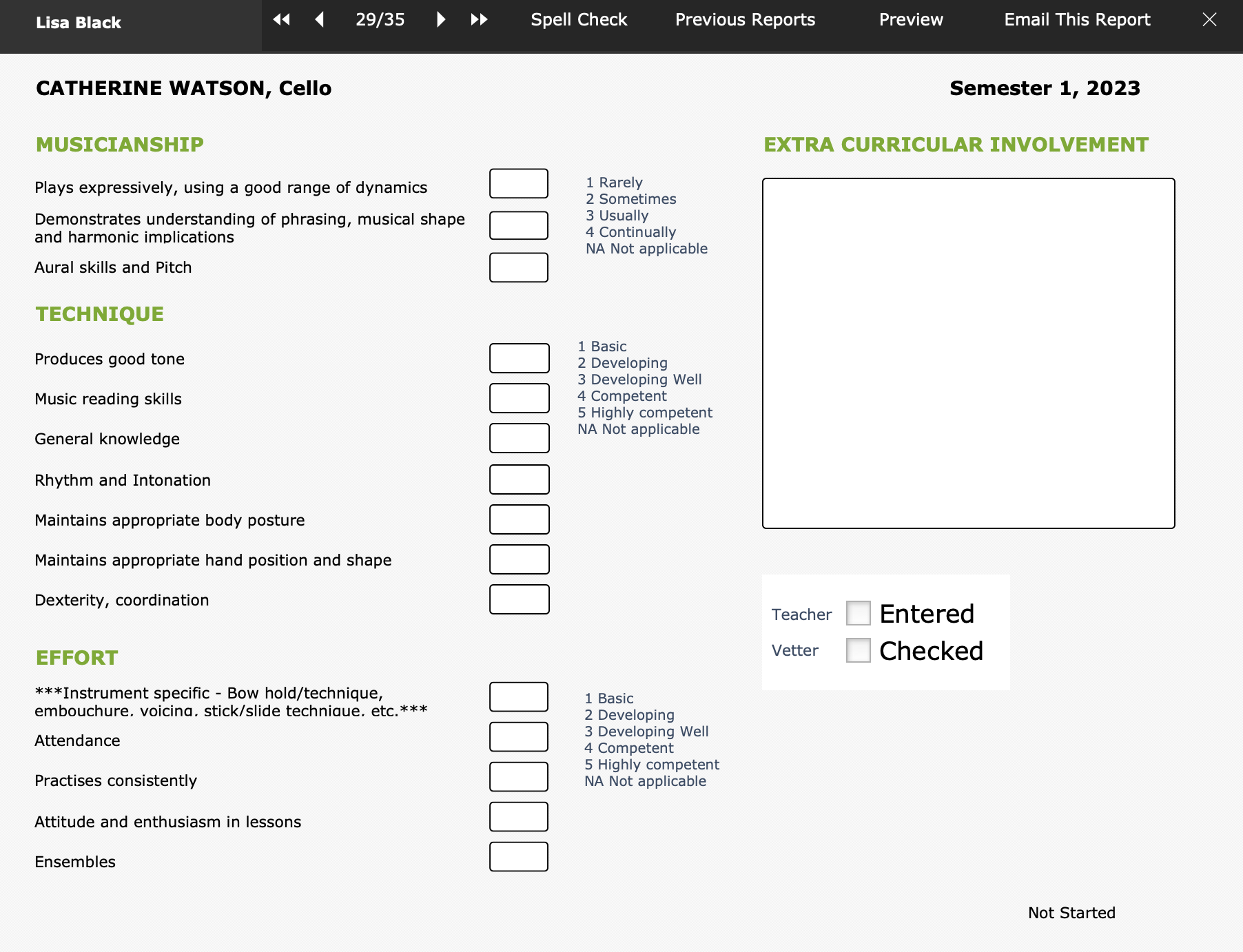
Once the reports have been generated, teachers with access to Music Monitor can complete them in the app.
See the details at Marking Student Assessment Reports.
Feedback Module
Note that there is also a simpler option for teachers to send a short feedback note to parents about a student's progress. This can be helpful for those using student assessment reports as well as those who are not.
See the guides for teachers and administrators: