

This article is no longer updated.
Please go to our new Intercom knowledge base to ensure you're seeing the most recent version.
The link above takes you directly to the equivalent article on Intercom.
This whole process is now managed by a dedicated script.
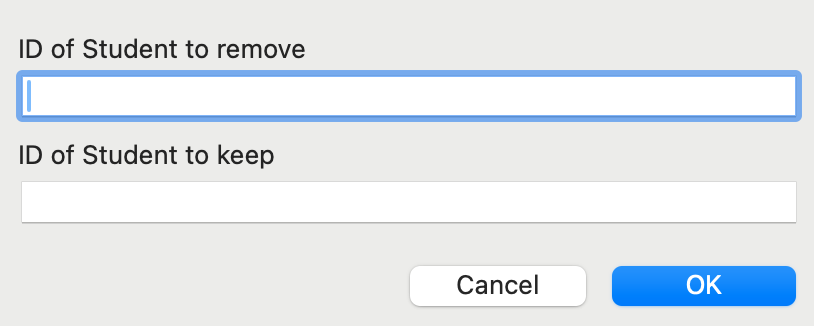
First, note down the Student ID of the two files for this student, and decide which ID to keep and which to remove.
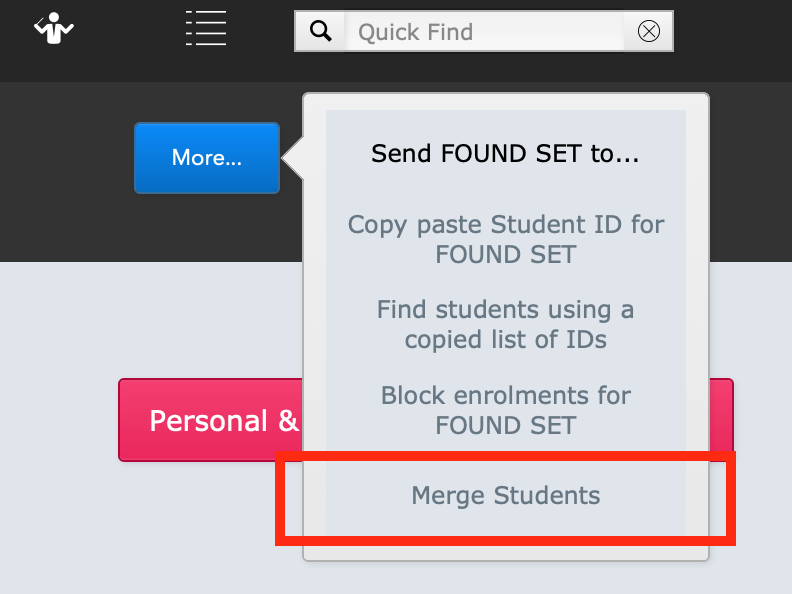
Then, in the Students file, select More... > Merge Students.
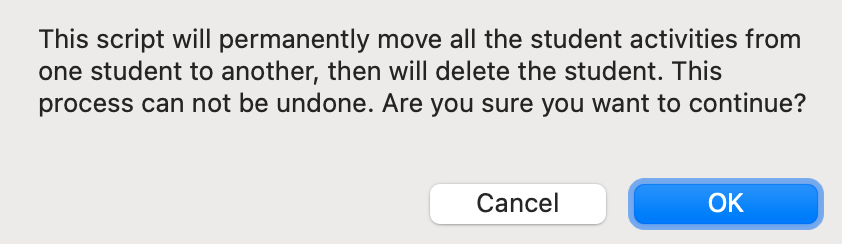
You will see this alert, to ensure you are doing this intentionally.
Then simply enter the Student ID numbers you noted down.
Music Monitor will work through all the relevant files (enrolments, attendance, loans & hire, etc.), finding the Student ID that is to be removed, and changing it to the one to keep. Then it will delete the duplicate student file, leaving one file with all the student's related records.