This article is no longer updated.
Please go to our new Intercom knowledge base to ensure you're seeing the most recent version.
The link above takes you directly to the equivalent article on Intercom.
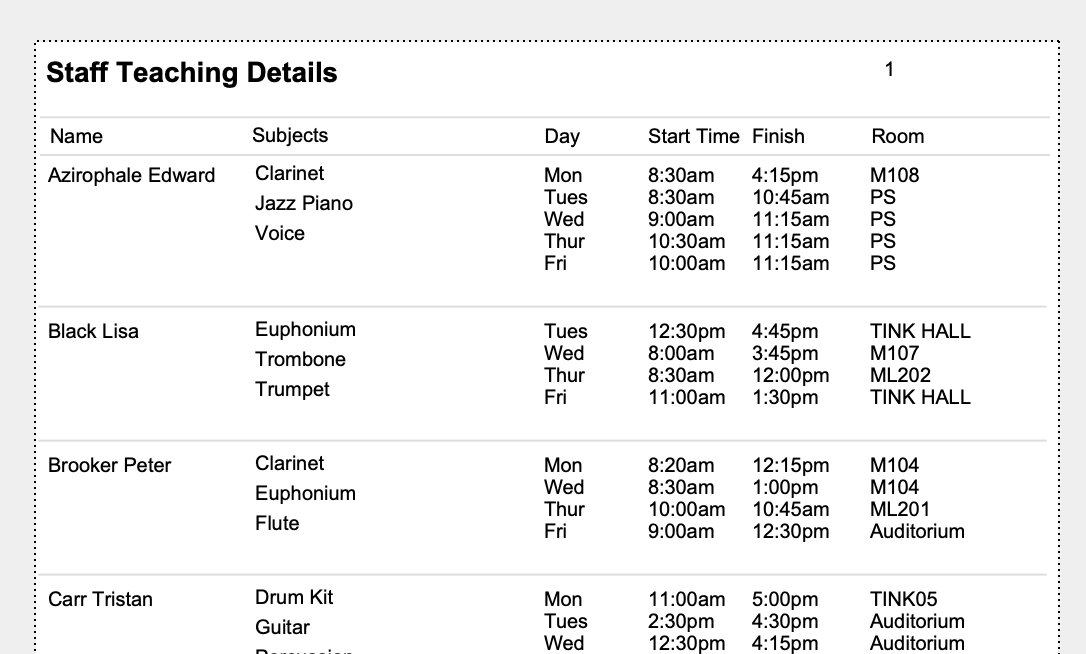
This script is found at Common Tasks > Printouts > Contacts : Print Teaching Details
You will first come to a Find screen that is pre-set to find all Current Staff, or you can change the criteria to find a different list of staff.
Select Perform Find.
The script will then find the relevant records and generate a report that opens in a Preview screen ready to Save as PDF or Print.