This article is no longer updated.
Please go to our new Intercom knowledge base to ensure you're seeing the most recent version.
The link above takes you directly to the equivalent article on Intercom.
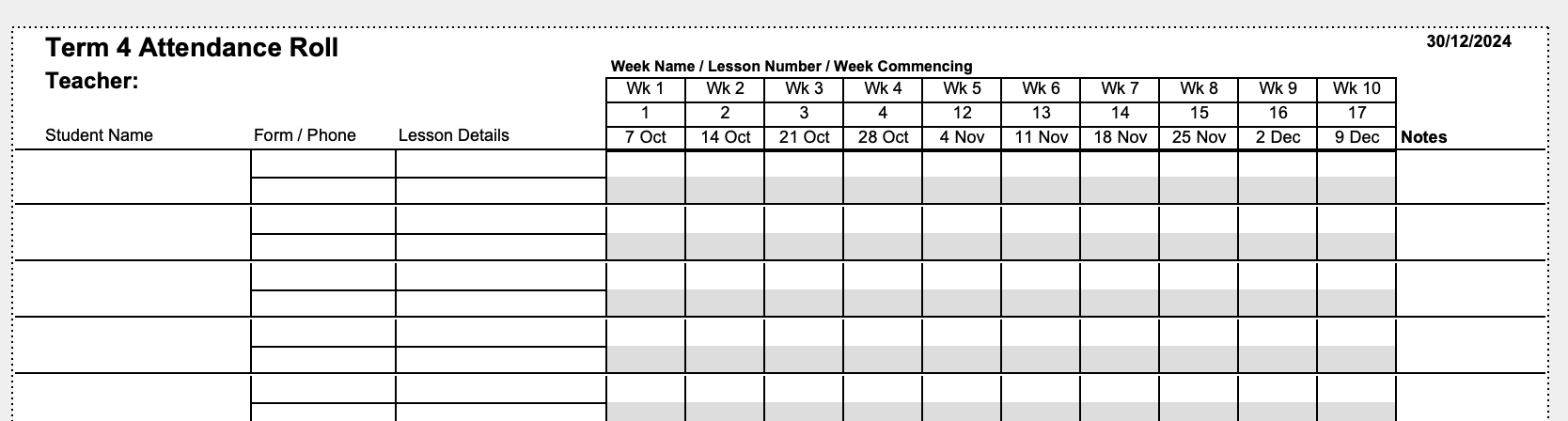
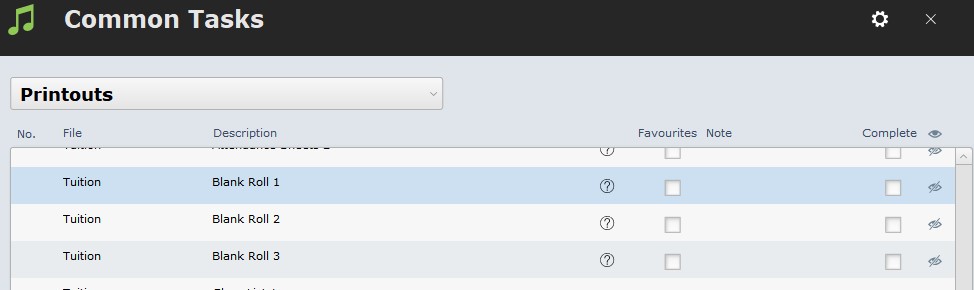
Found at Common Tasks > Printouts > Tuition : Blank Roll (1-3)
Use the Blank Roll button if you need to print a blank roll for a teacher.
Blank Roll 1 is the same layout as Attendance Roll 1.
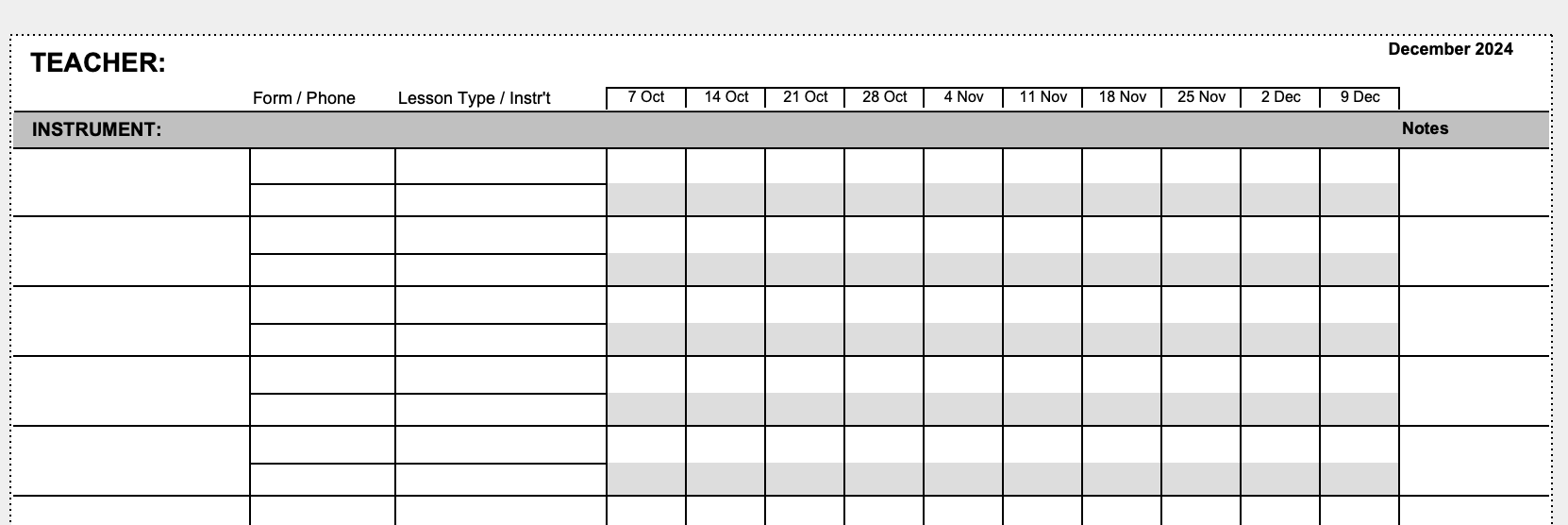
Blank Roll 2 is the same layout as Attendance Roll 2.
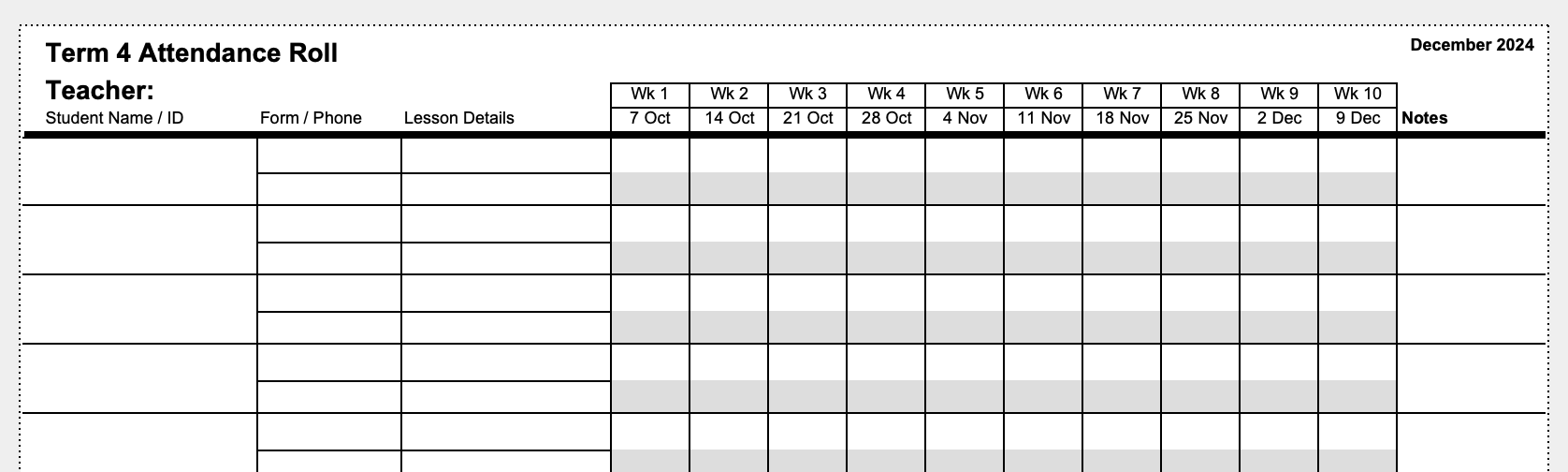
Blank Roll 3 is the same layout as Attendance Roll 3.