

This article is no longer updated.
Please go to our new Intercom knowledge base to ensure you're seeing the most recent version.
The link above takes you directly to the equivalent article on Intercom.
Pay advice slips can be reversed after they are generated. It is important to follow all steps in these instructions closely.
Note: You must log in with an account with Admin privileges in order to make these changes.
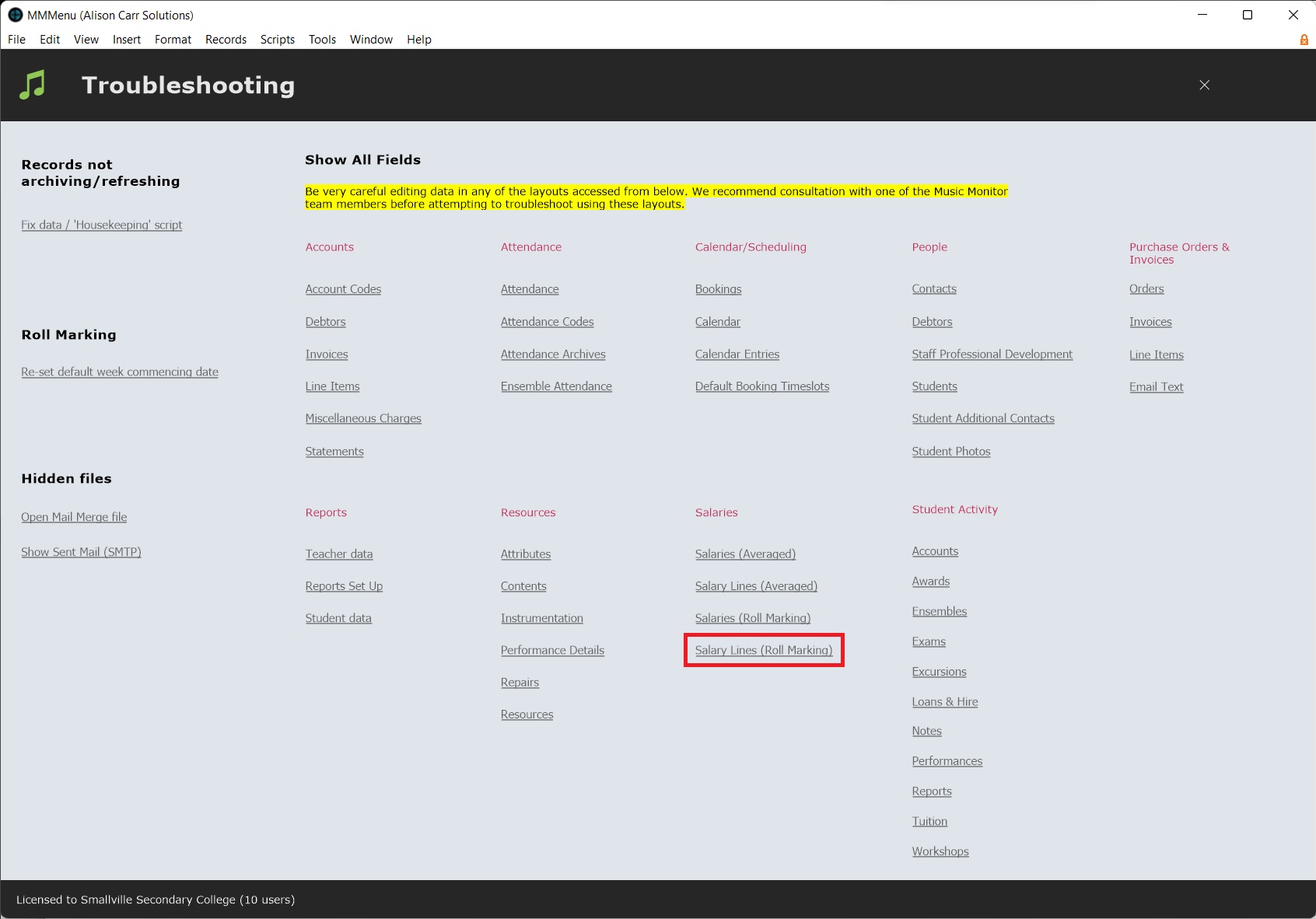
From the Home Screen, select Settings (the gear icon) > Troubleshooting > Salary Lines (Roll-Marking).
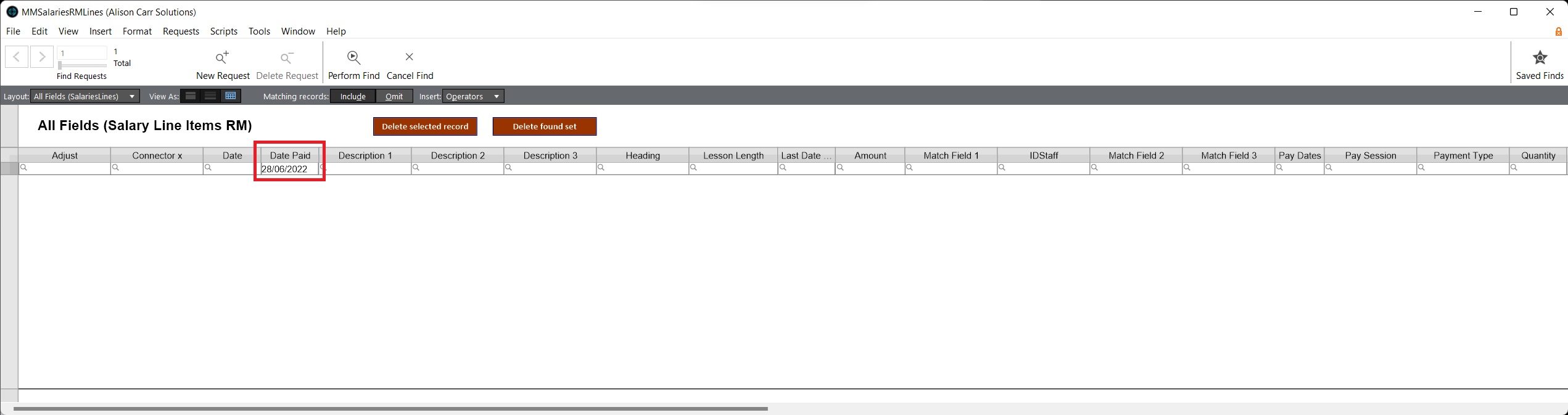
Then run a find for all salary line items with the relevant date in Date Paid. This should be the date of the pay slip you wish to reverse.
Once the relevant records have been found, clear Date Paid and Match Field 2 for all records. (See Replace Field Contents)
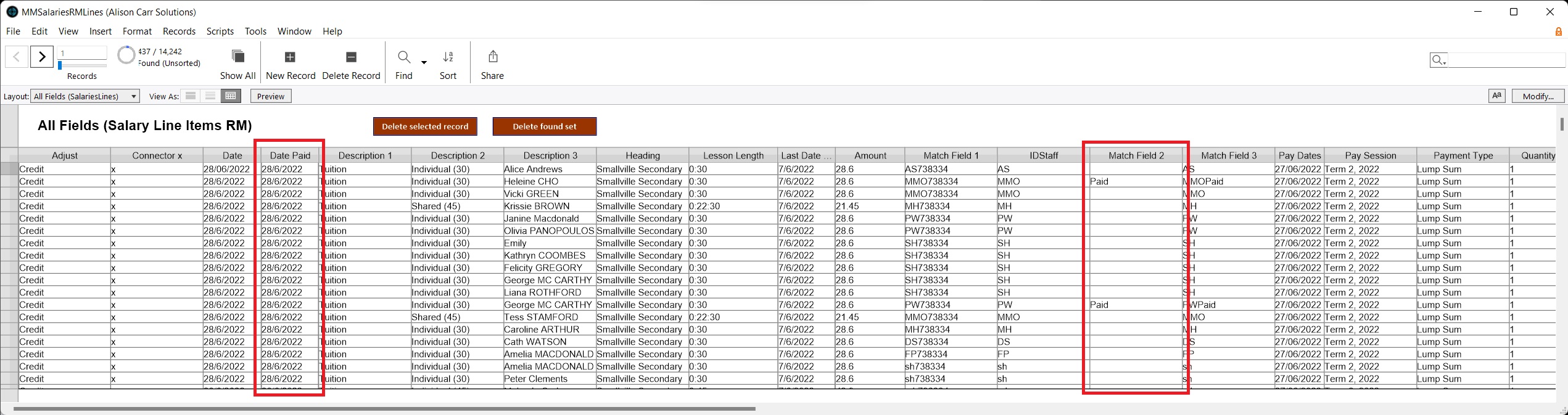
All pay advice slips for the relevant date will now be reversed.