This article is no longer updated.
Please go to our new Intercom knowledge base to ensure you're seeing the most recent version.
The link above takes you directly to the equivalent article on Intercom.
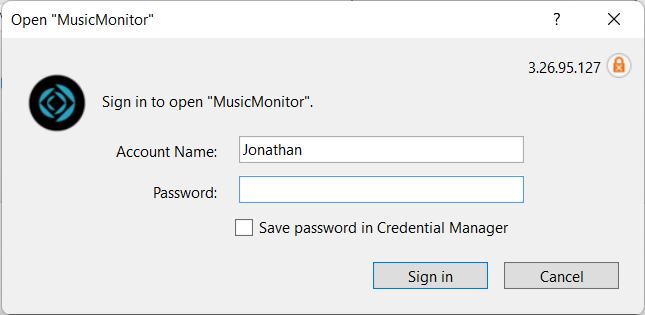
When you come to log into Music Monitor, the login box will display a default account name. You can change this on your device to your own username, saving a step at login.
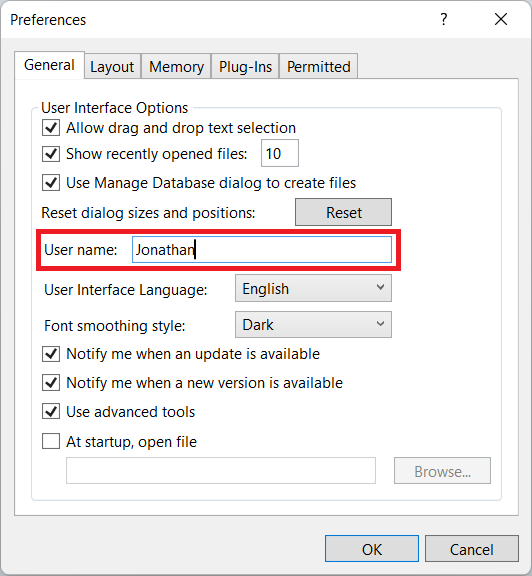
Go to Edit > Preferences (on Mac go to FileMaker Pro > Preferences) and change 'User name:'.