

This article is no longer updated.
Please go to our new Intercom knowledge base to ensure you're seeing the most recent version.
The link above takes you directly to the equivalent article on Intercom.
Items from a single order can be split between budgets by associating them to multiple invoices.
When items are received, create two invoice records, each with the relevant portion of the cost listed.
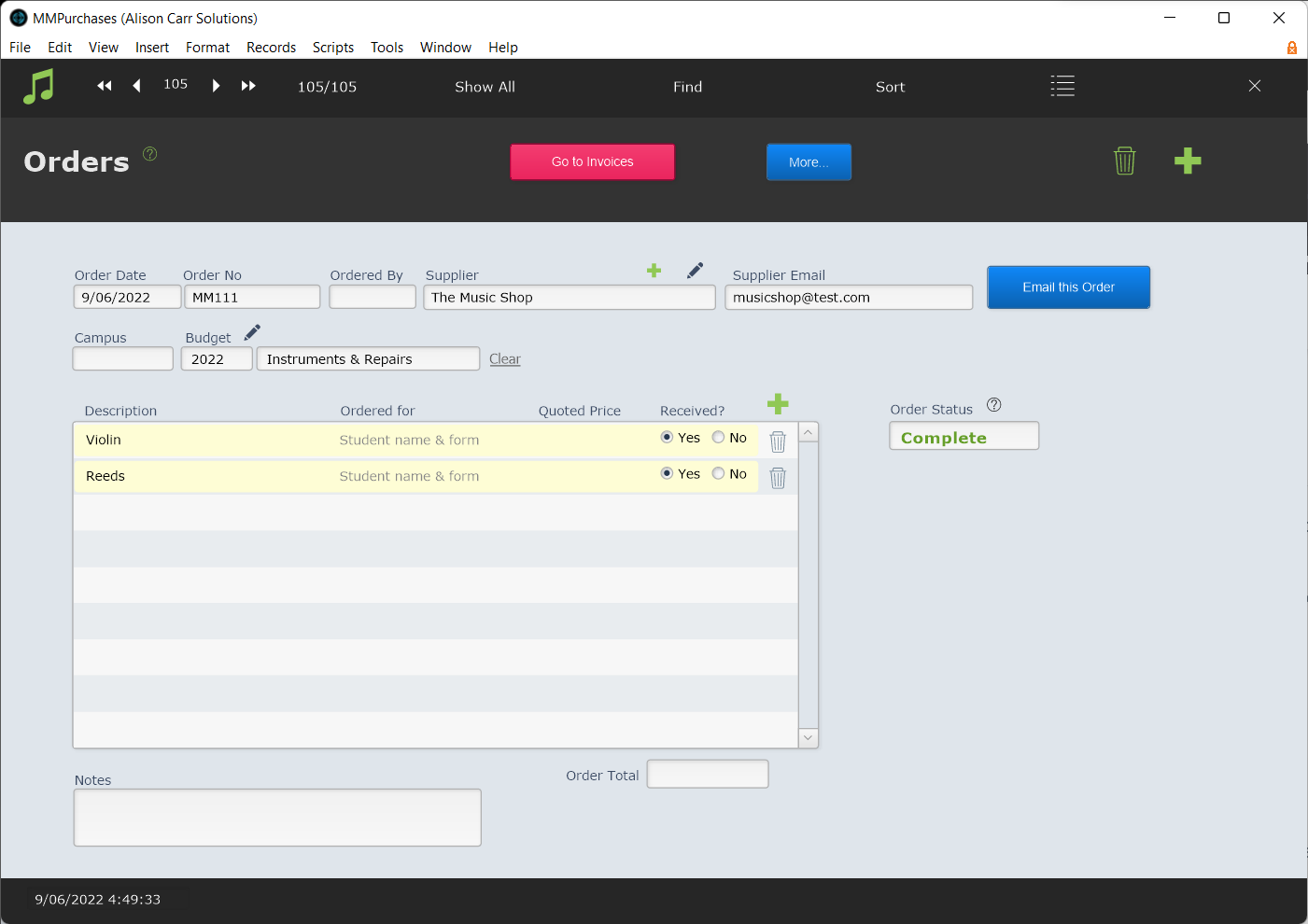
Order example:
Invoice examples:
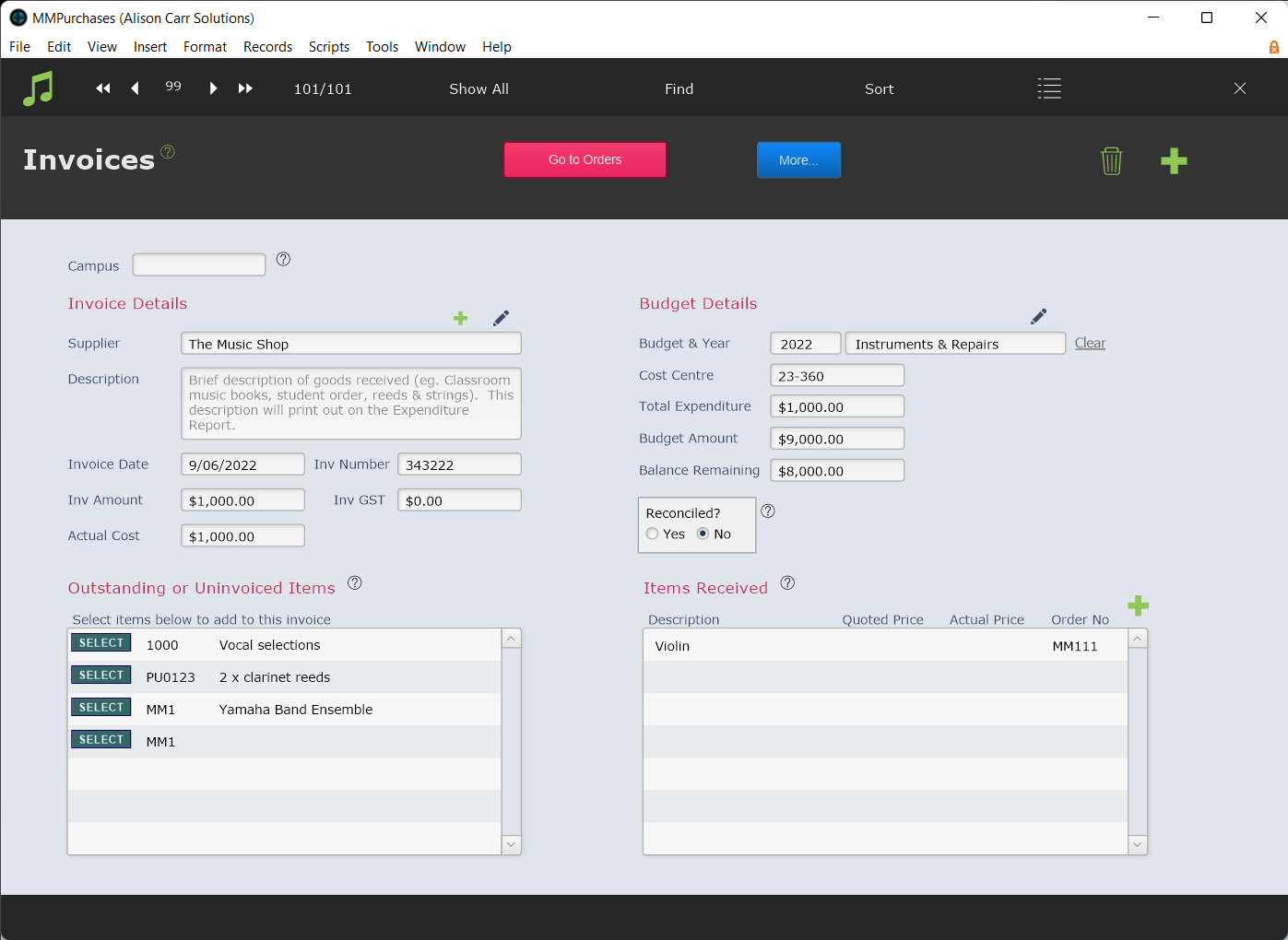
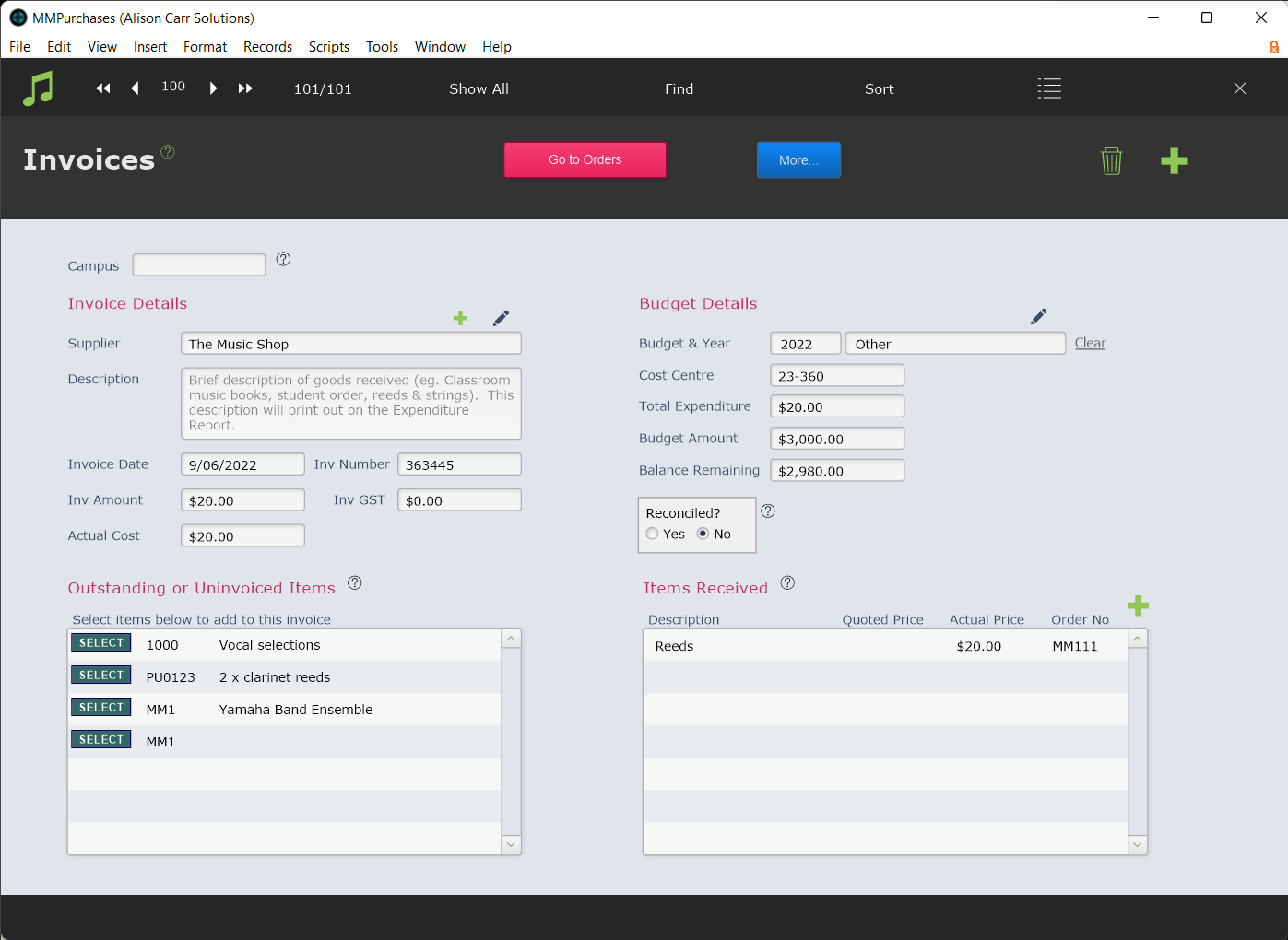
Because the invoices are assigned separate budgets, the amounts are deducted from those budgets separately.