

This article is no longer updated.
Please go to our new Intercom knowledge base to ensure you're seeing the most recent version.
The link above takes you directly to the equivalent article on Intercom.
Regardless of which Music Monitor app your teachers are using, they will see a home screen similar to this.
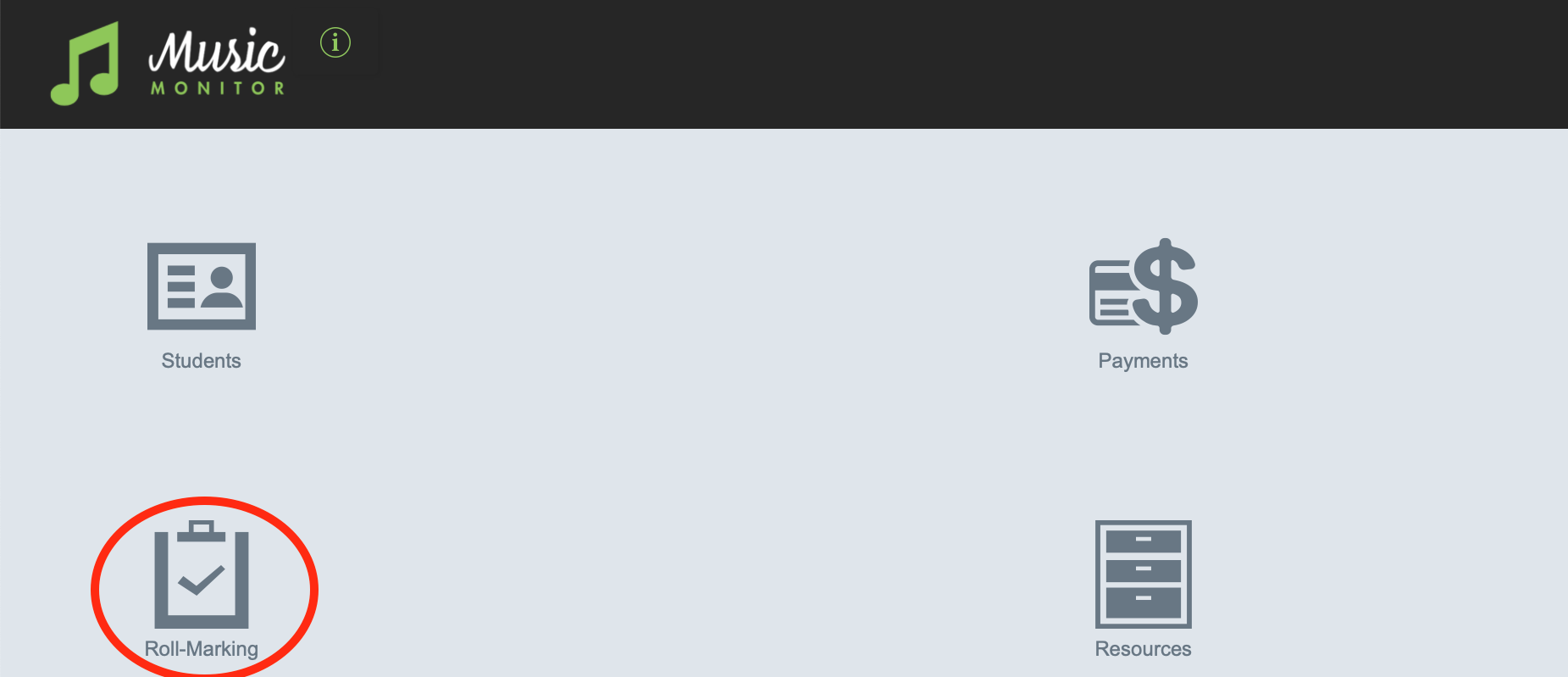
Select Roll-Marking
On the next screen, select the start date of the week's roll you're marking. The system defaults to this week, but you can change it to another week if needed.

On that screen, select the attendance code from the drop-down for each student or ensemble on your roll.
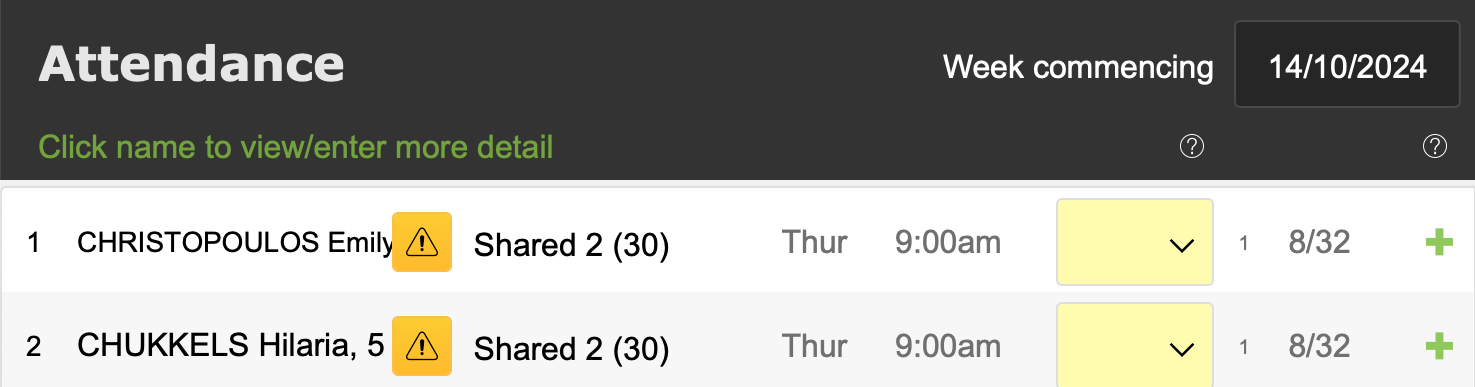
For a full run-through of the roll marking procedure for teachers, see this 3-minute video.