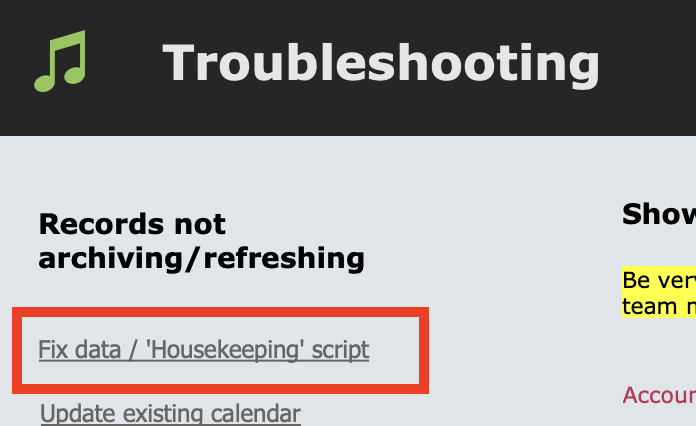
The Housekeeping Script is a data check, verification and refresh process.
Where Music Monitor is hosted on a server with FileMaker Server (which is almost all users, now), the Housekeeping Script is set to run on a schedule each night, so this does not apply and the question will not come up on your screen.
Where Music Monitor is hosted on the administrator's computer, you must run the script manually and should do it at least once a day (preferably at the start of the day).
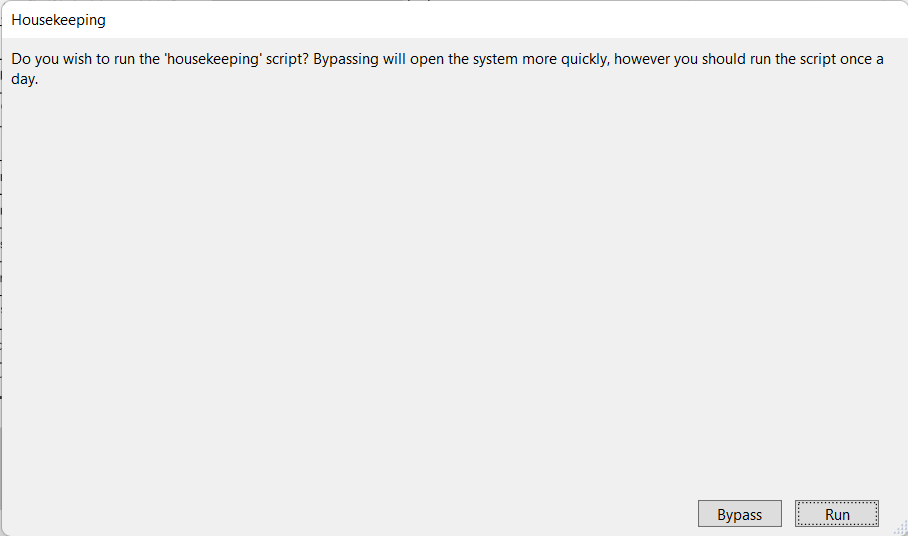
When logging into Music Monitor as the host, a dialog box shows before Music Monitor opens. This dialog gives the choice between running the Housekeeping Script or bypassing and opening Music Monitor straight away.
Select Run if the Housekeeping Script has not been run yet today, otherwise it is safe to select Bypass.
Note: You can also run the Housekeeping script at any time from the Troubleshooting screen.