This article is no longer updated.
Please go to our new Intercom knowledge base to ensure you're seeing the most recent version.
The link above takes you directly to the equivalent article on Intercom.
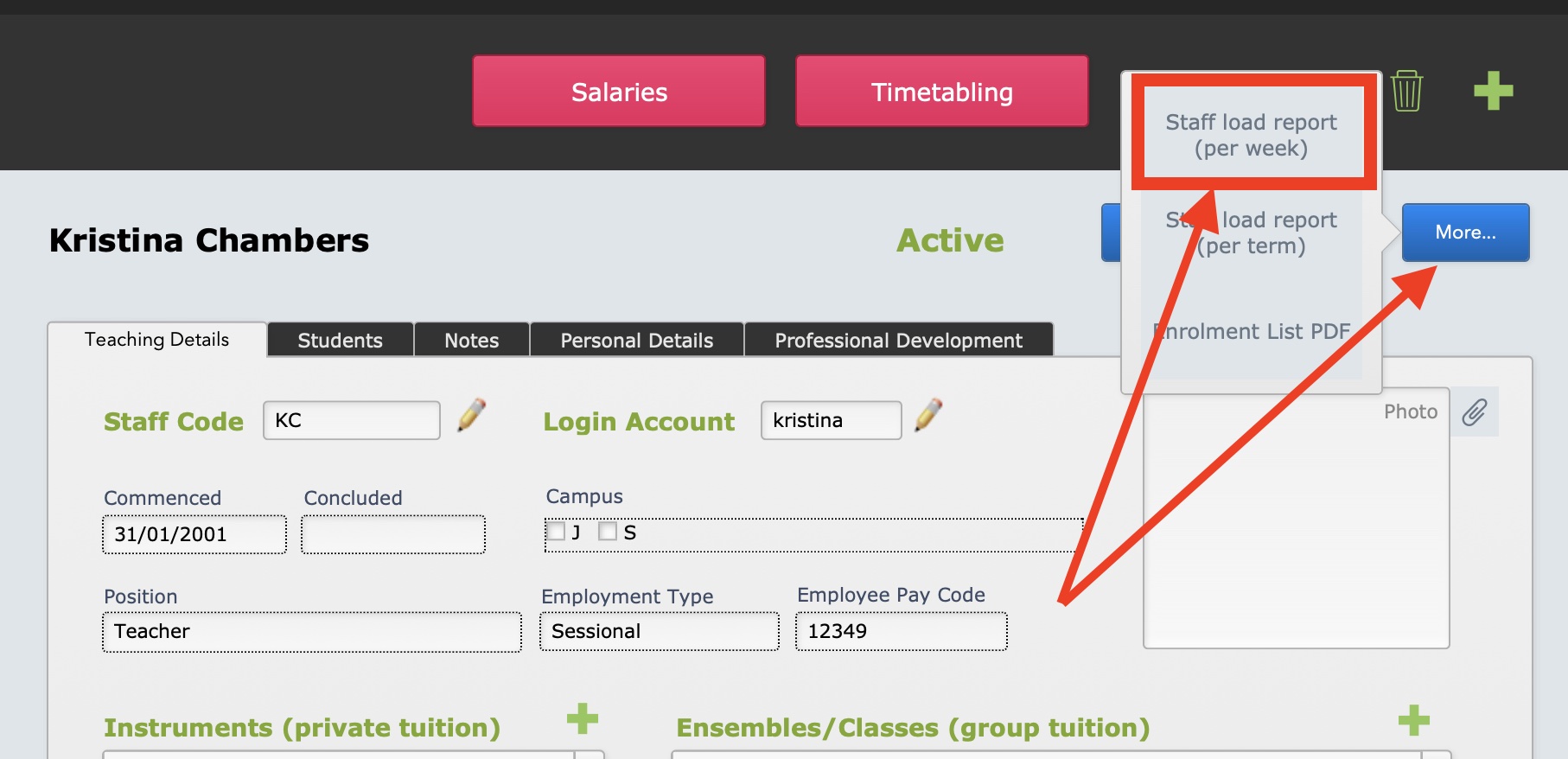
NOTE: You can produce this report for ONE teacher only by going to the Contacts file, finding the teacher and then selecting from the More... menu, Staff Load Report (per week) > THIS ONE ONLY.
You can also find this script at Common Tasks > Quick reports > Contacts : Staff Load Report (per week).
NOTE 2: There is another Staff Load report in the system. This one is produced from the Tuition file, so it shows private Tuition enrolments only. However this report allows you to enter your own search criteria, and it also produces a nice, printable report (or it can be saved as Excel.) You can run this report from Common Tasks > Quick Reports (or Printouts) > Tuition : Staff Load Report (Tuition only)
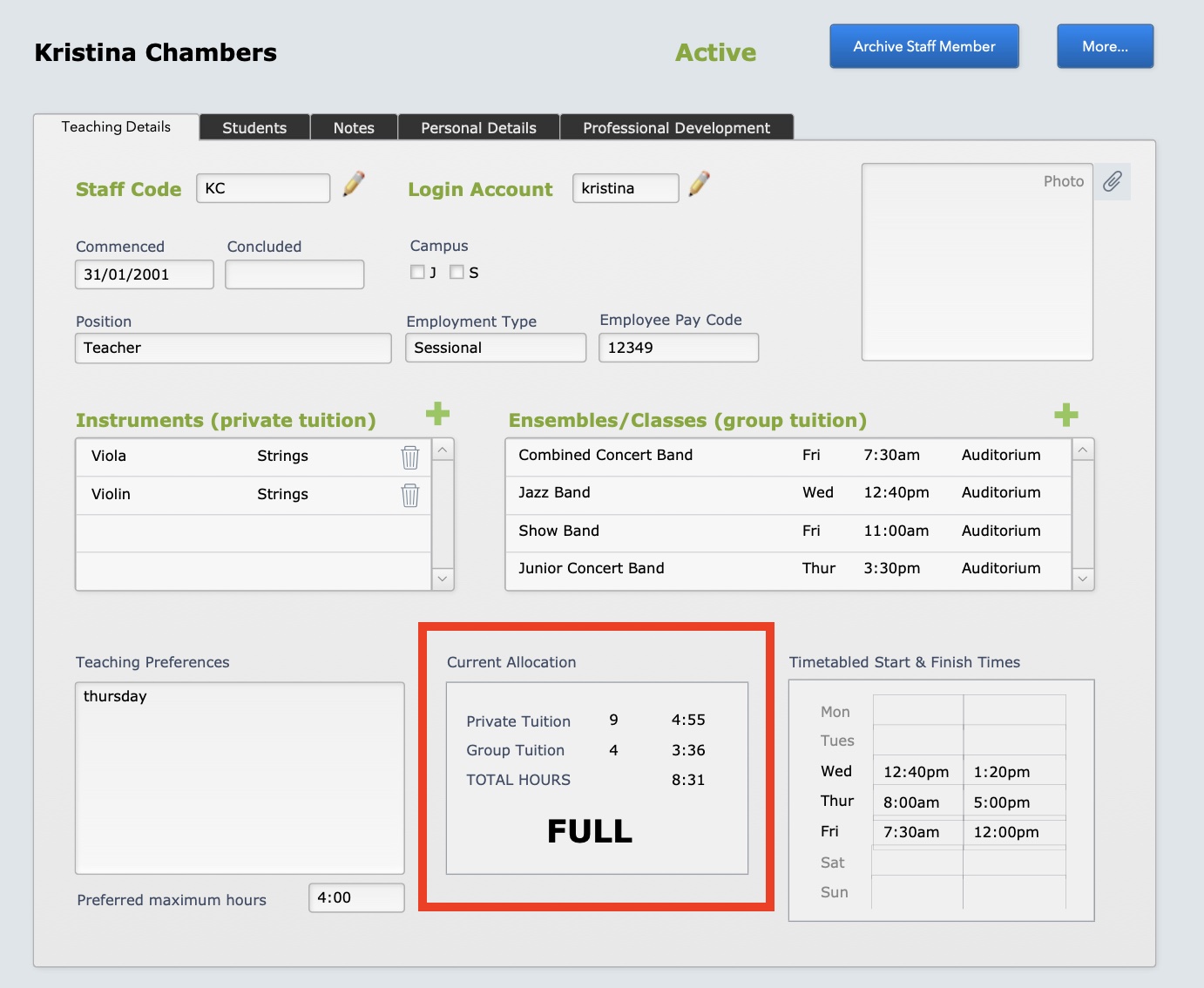
NOTE 3: Another quick way of viewing the Staff Load for CURRENT Tuition enrolments and Ensemble/Class/Group teaching is on the Teaching Details tab in the Contacts file.