This article is no longer updated.
Please go to our new Intercom knowledge base to ensure you're seeing the most recent version.
The link above takes you directly to the equivalent article on Intercom.
Update notes: Since this video was made, a couple of things have changed (see below).
To add a new row (booking time slot), click the + button at the top right.
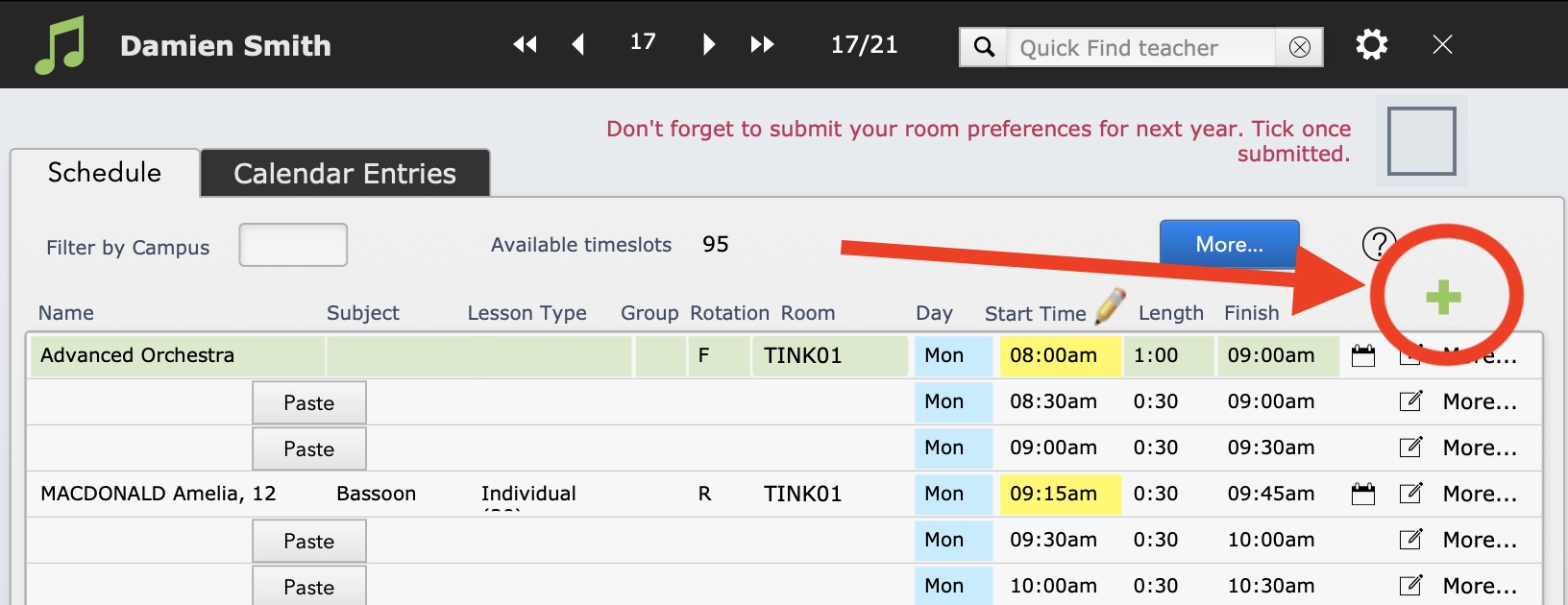
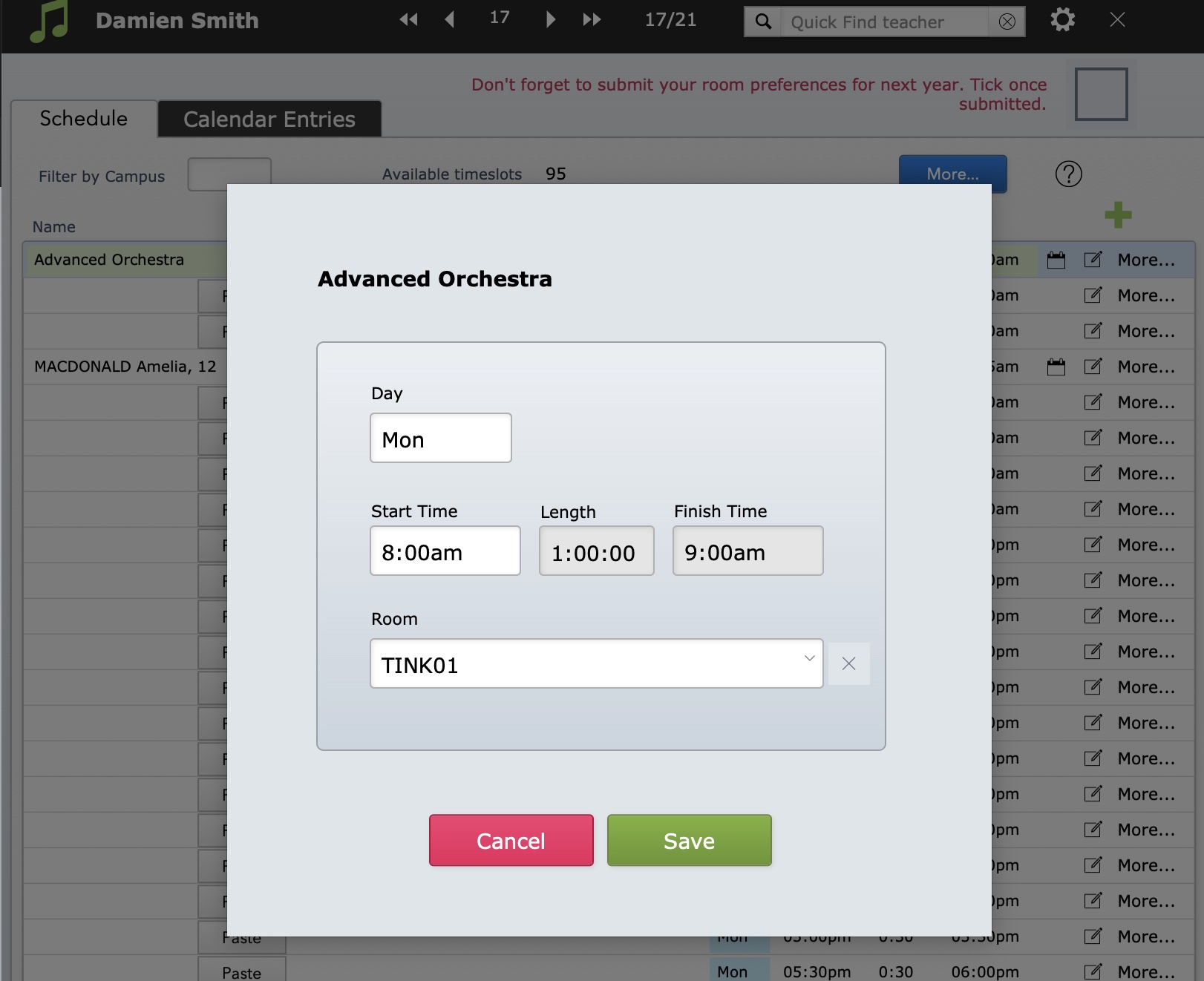
To edit the room, day or time, click anywhere in that area and an editing window will open. It is no longer possible to edit the details directly on the Schedule.