This article is no longer updated.
Please go to our new Intercom knowledge base to ensure you're seeing the most recent version.
The link above takes you directly to the equivalent article on Intercom.
Archive the Teacher
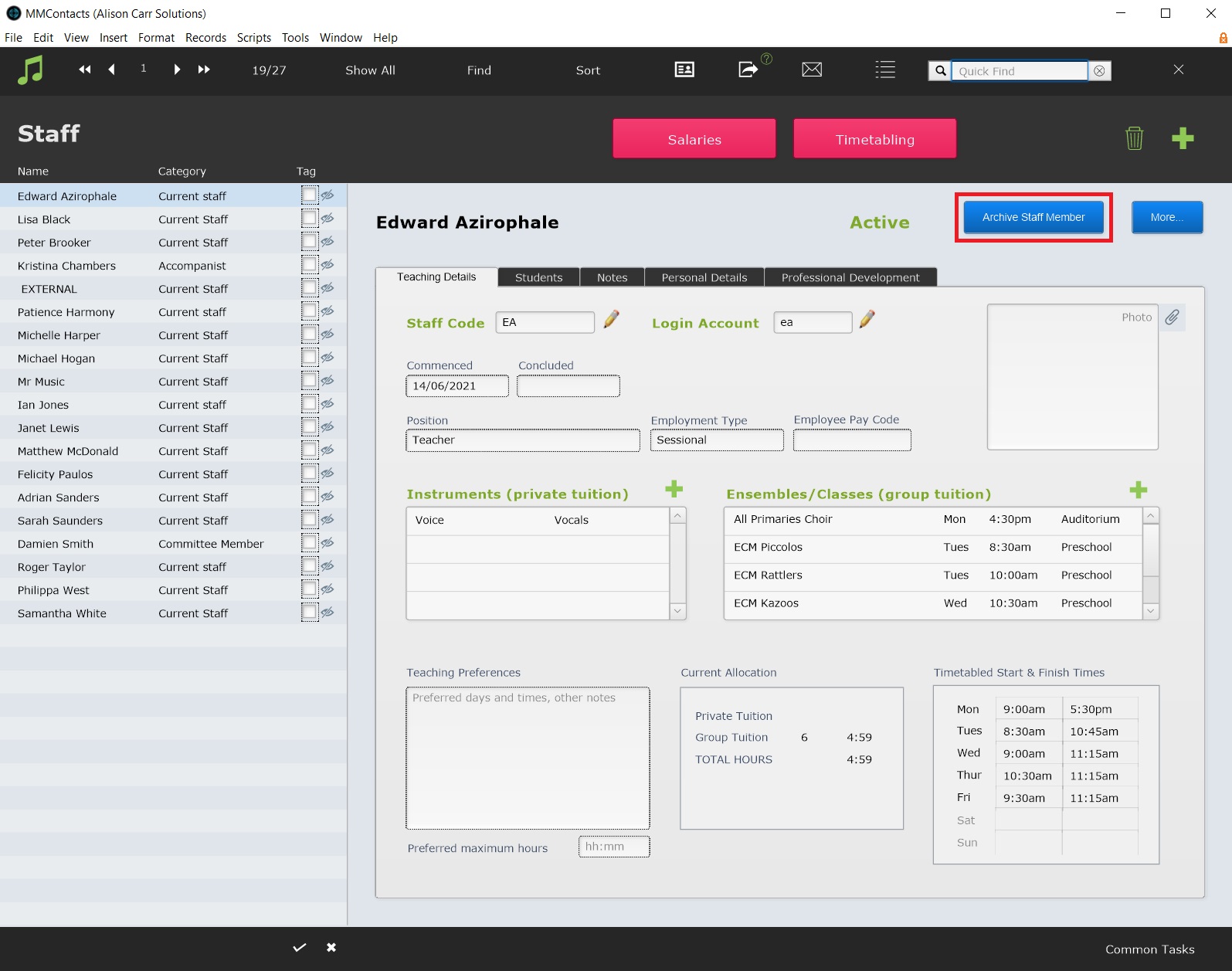
To archive a teacher, select Archive Staff Member on their record. It's best to only archive a teacher after they have completed all their attendance rolls and had their final pay advice slip.
Reallocate Enrolments
Once the script has been run, you will still need to reallocate the teacher's remaining students and ensembles.
For information on changing the teacher for tuition enrolments see Permanently Change Teacher in Bulk.
To reallocate ensembles, you need to open the ensemble setup screen in Ensemble Codes.
Open from the Staff Record
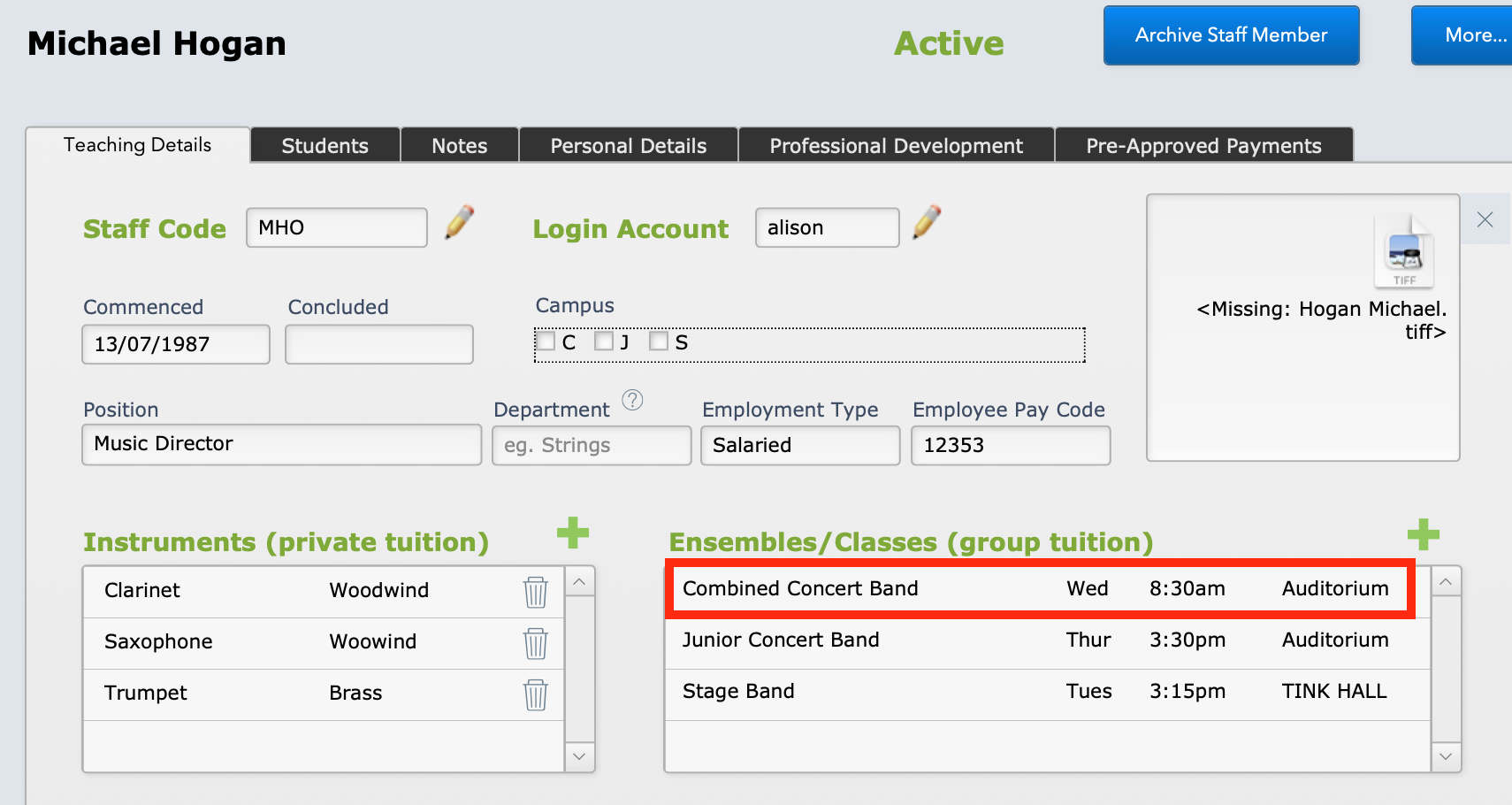
If you select the ensemble listing in the Staff Contacts record, it will open in the setup screen.
Find in Ensemble Codes
But if the teacher has more than just 1 or 2 ensembles, it will be quicker to find them in the Ensemble Codes file.
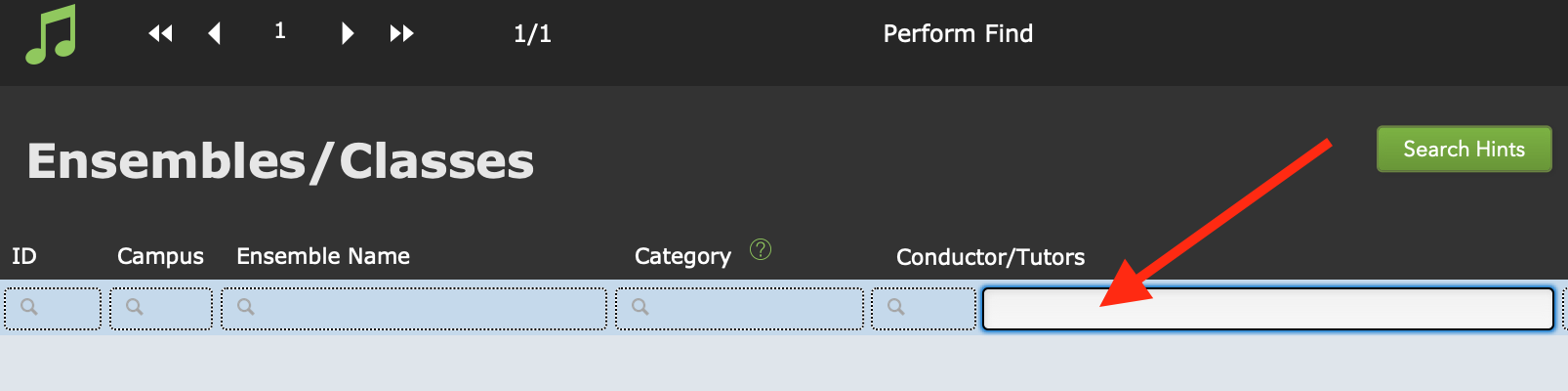
Go to Home > Setup Files > Ensembles and perform a Find for the conductor's name.
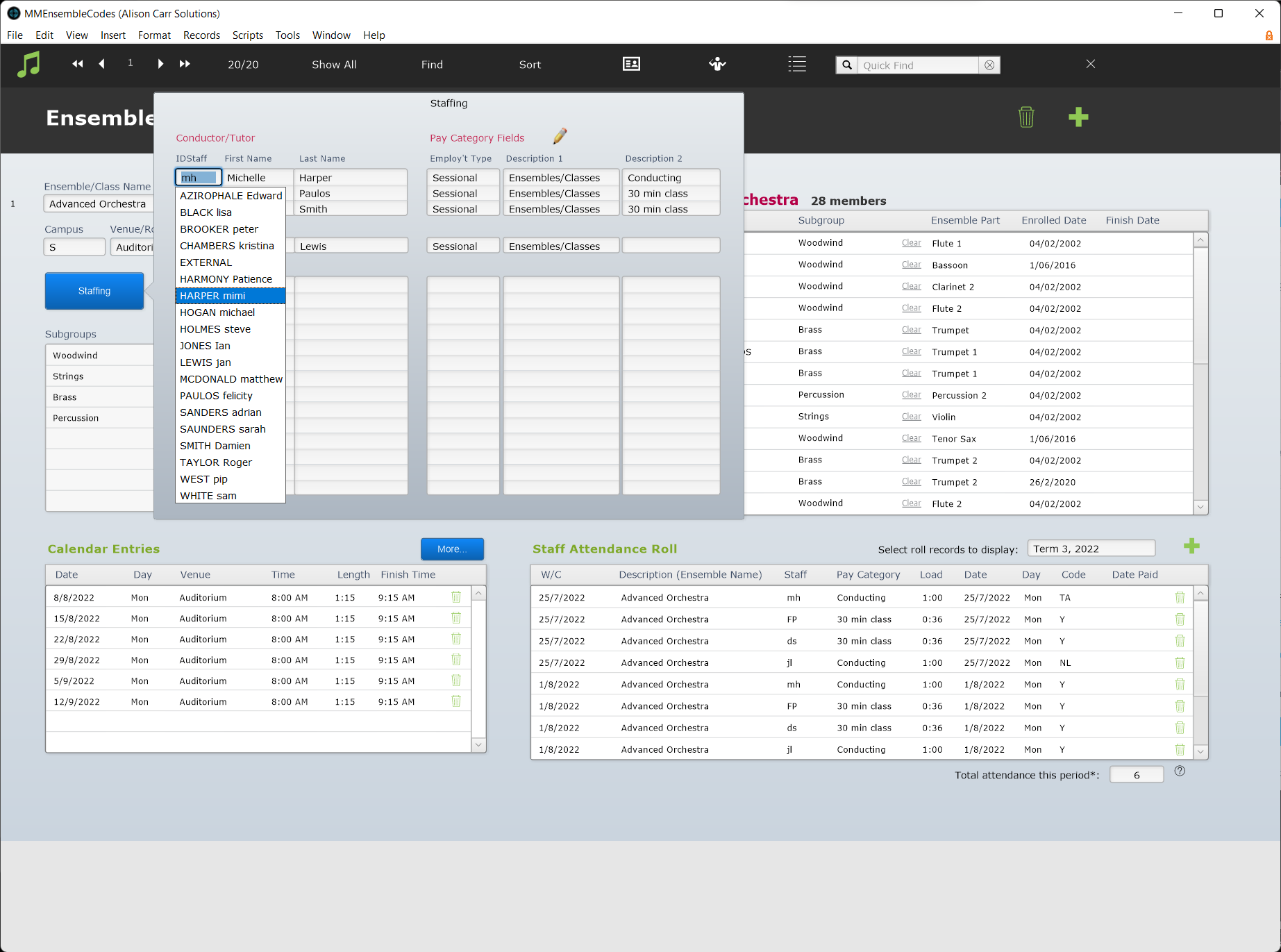
Open each ensemble, then select Staffing. Delete the archived teacher's Staff ID where it appears, and enter the replacing teacher's Staff ID.