

This article is no longer updated.
Please go to our new Intercom knowledge base to ensure you're seeing the most recent version.
The link above takes you directly to the equivalent article on Intercom.
Debtors File
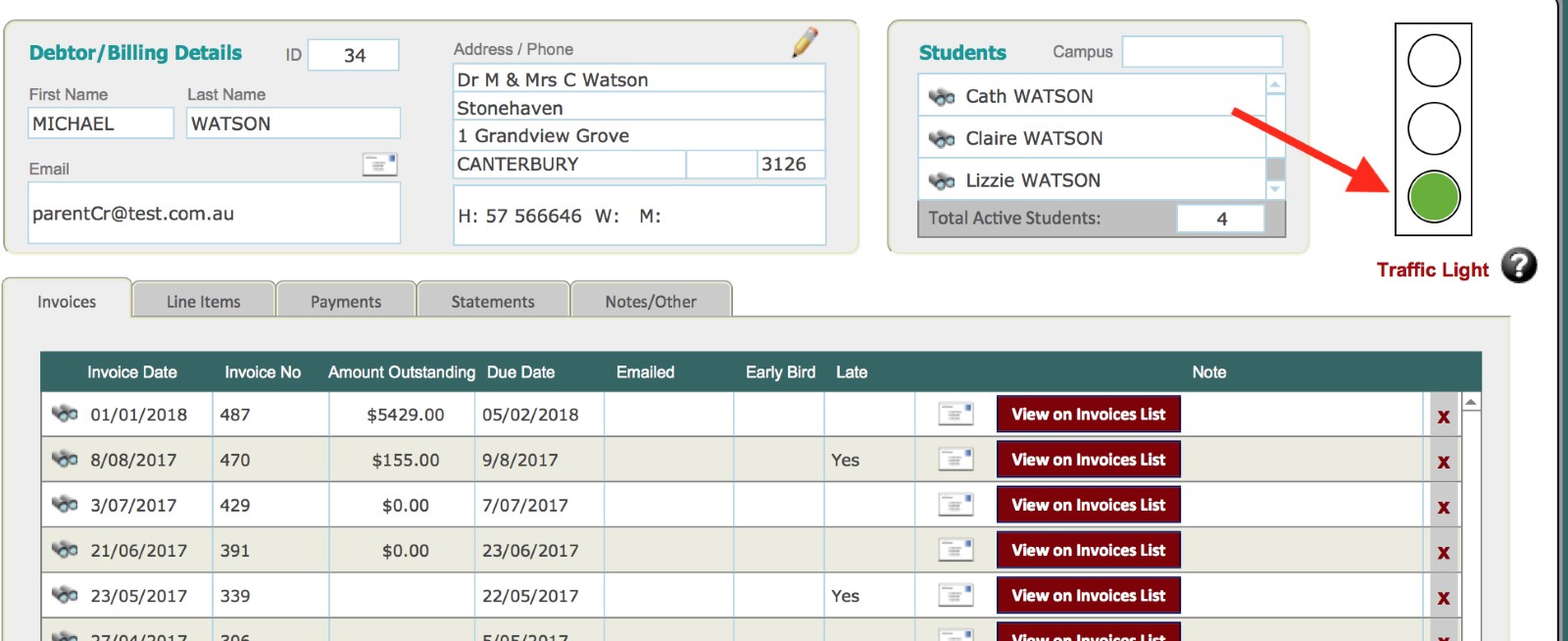
The ‘Traffic Light’ is visible on the Debtors form view layout. Its purpose is to tag debtors as:
Green: no problems
Orange: be aware of past payment issues
Red: lots of problems - don't accept enrolments!
The Traffic Light must be manually set by users with access to this screen. Debtors default to Green when created.
Students File
You can see the traffic light in the Students file but you can't edit it from there.
Students - List View
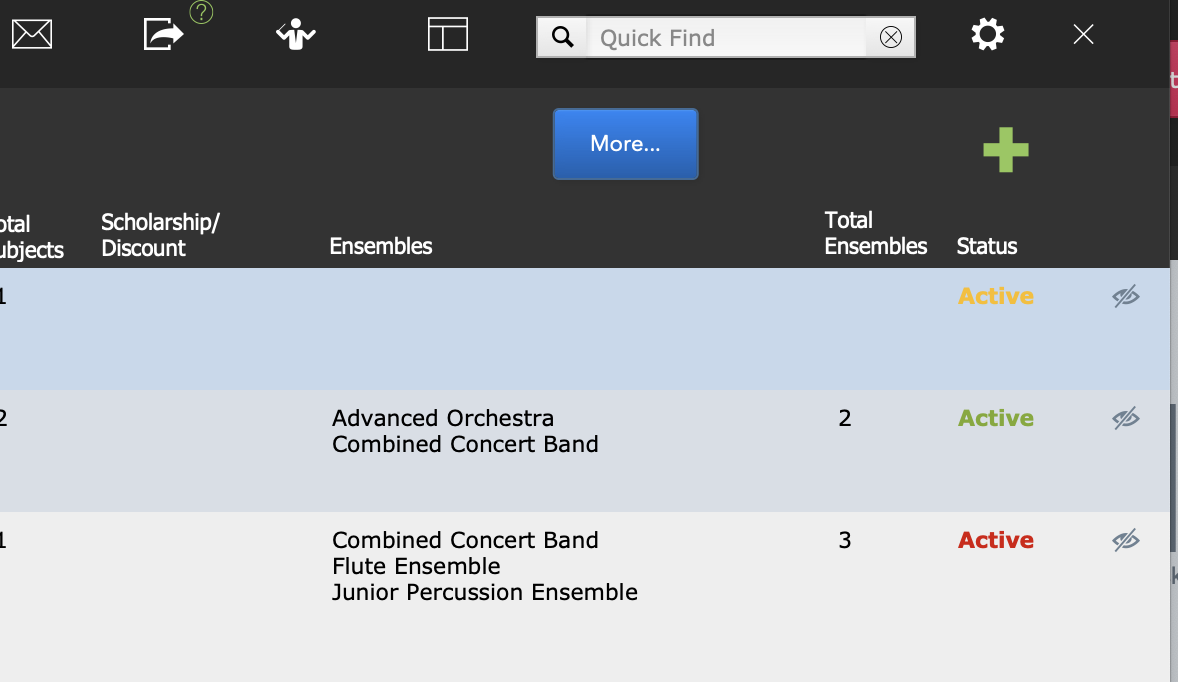
The Status field displays the colour of the Debtor traffic light.
Students - Form View
The traffic light is visible in the main part of the window.
